
Our functions at a glance
You can customize the Desksharing software to meet the needs of your company. Each function can be activated and combined with other resources, but does not have to be.
General
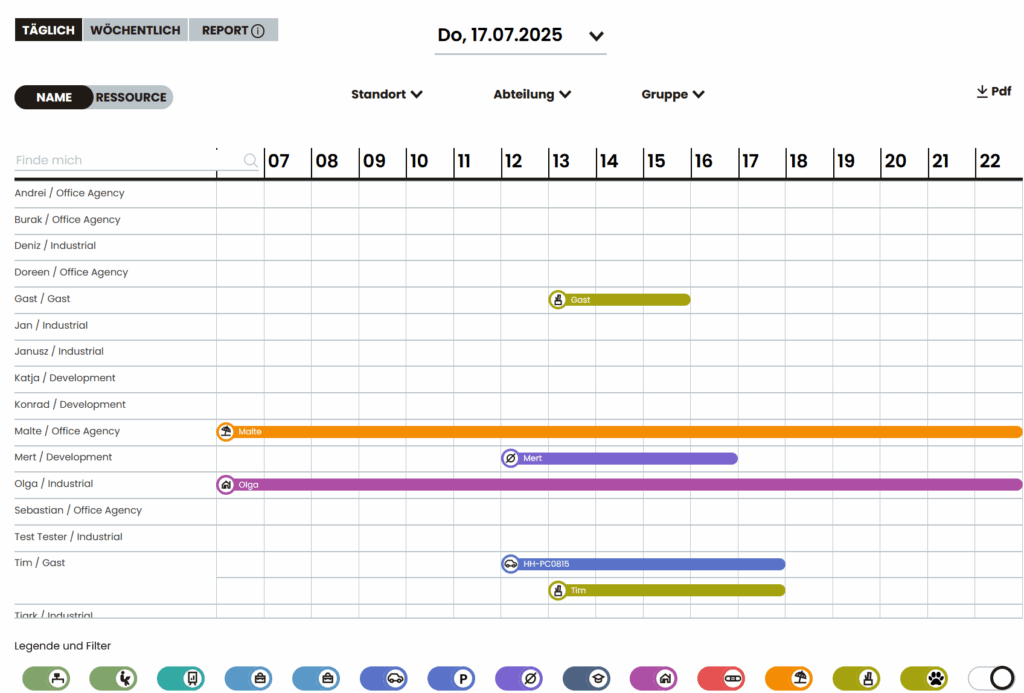
Tabular daily and weekly overview
The overview shows at a glance who is in the office on which day or in which week. Filterable by location, department or groups – can also be exported as a PDF.
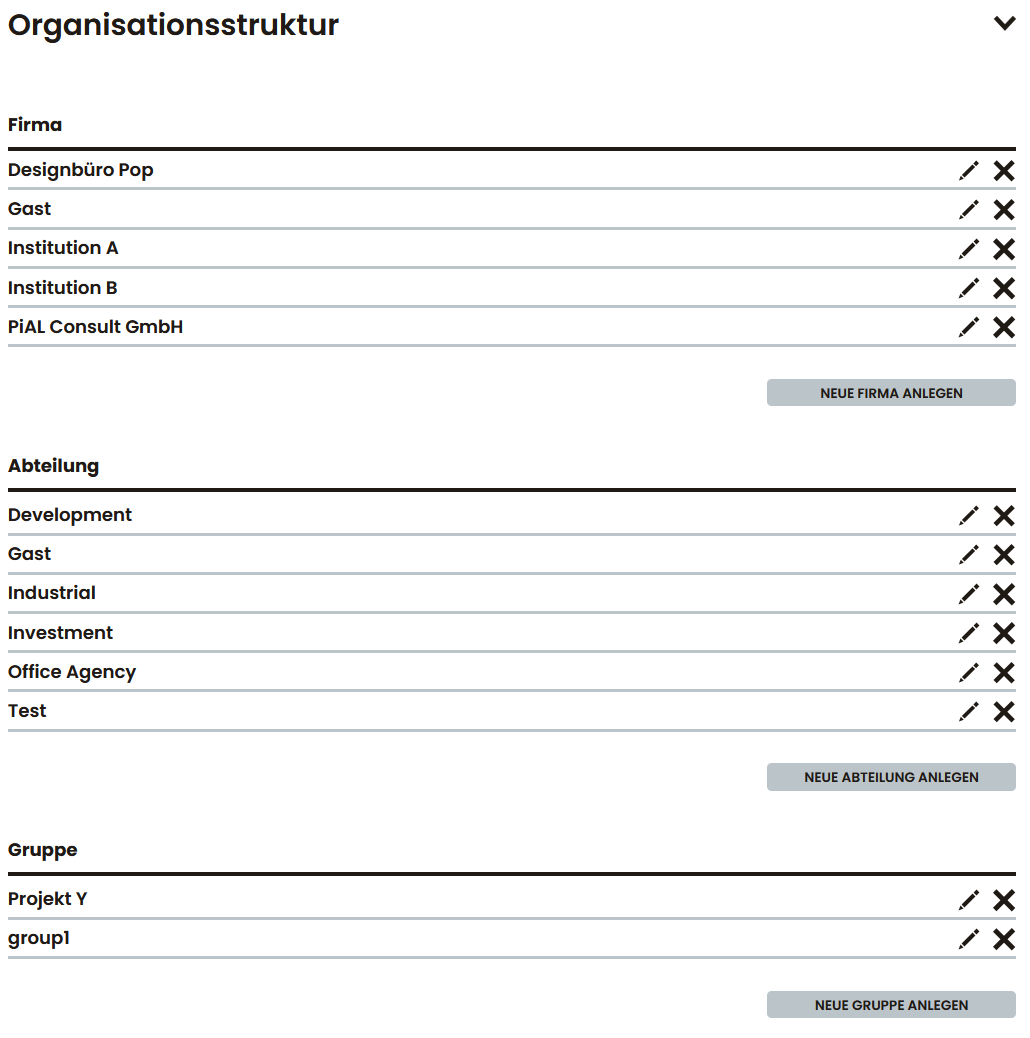
Department assignment
Users and spaces can be assigned to specific departments. This enables, for example, department-specific booking rules and evaluations. You can set whether people are only allowed to make bookings within their department. You can also define whether departments can see the bookings of other departments.
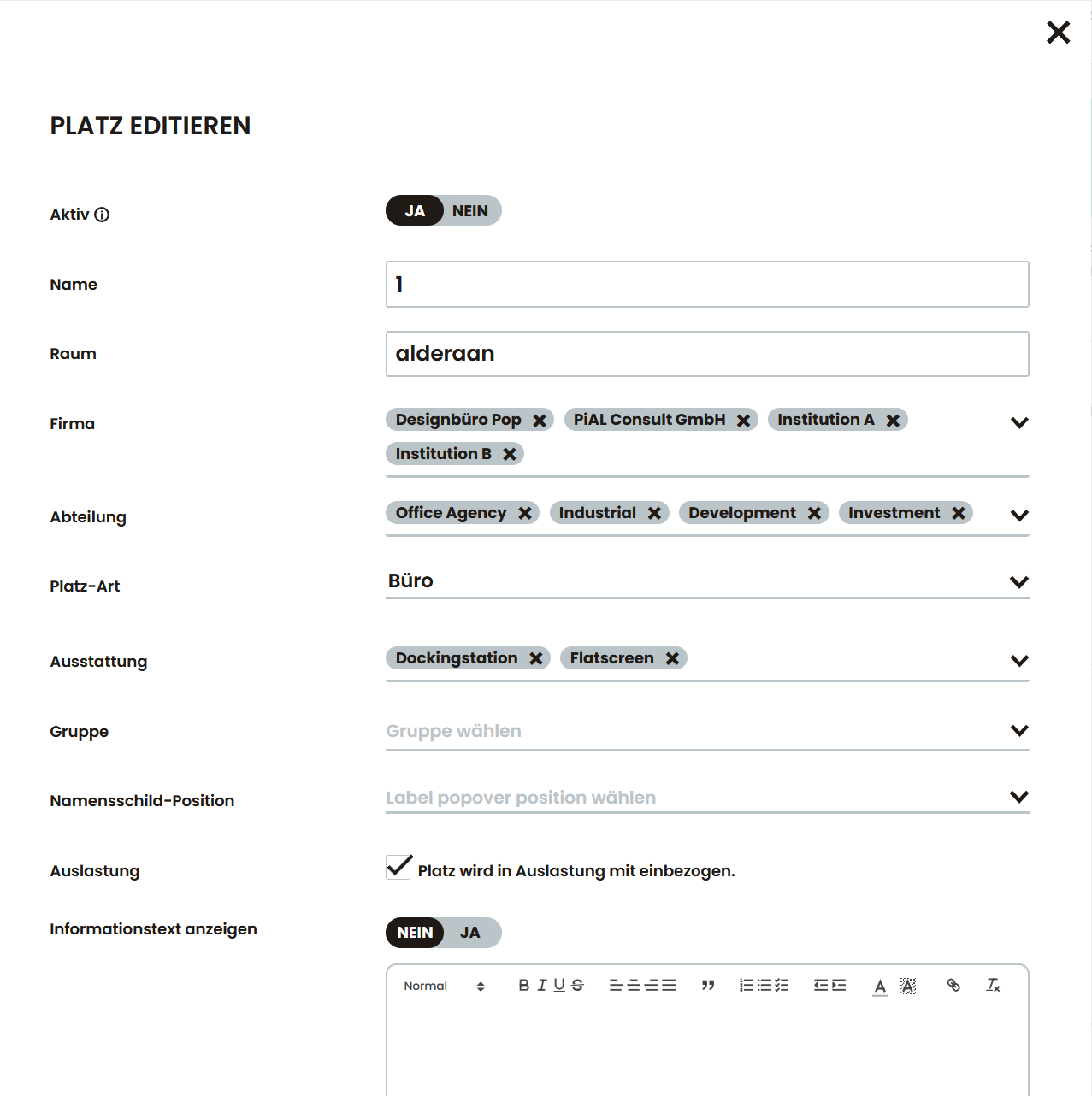
Floor plan or list view
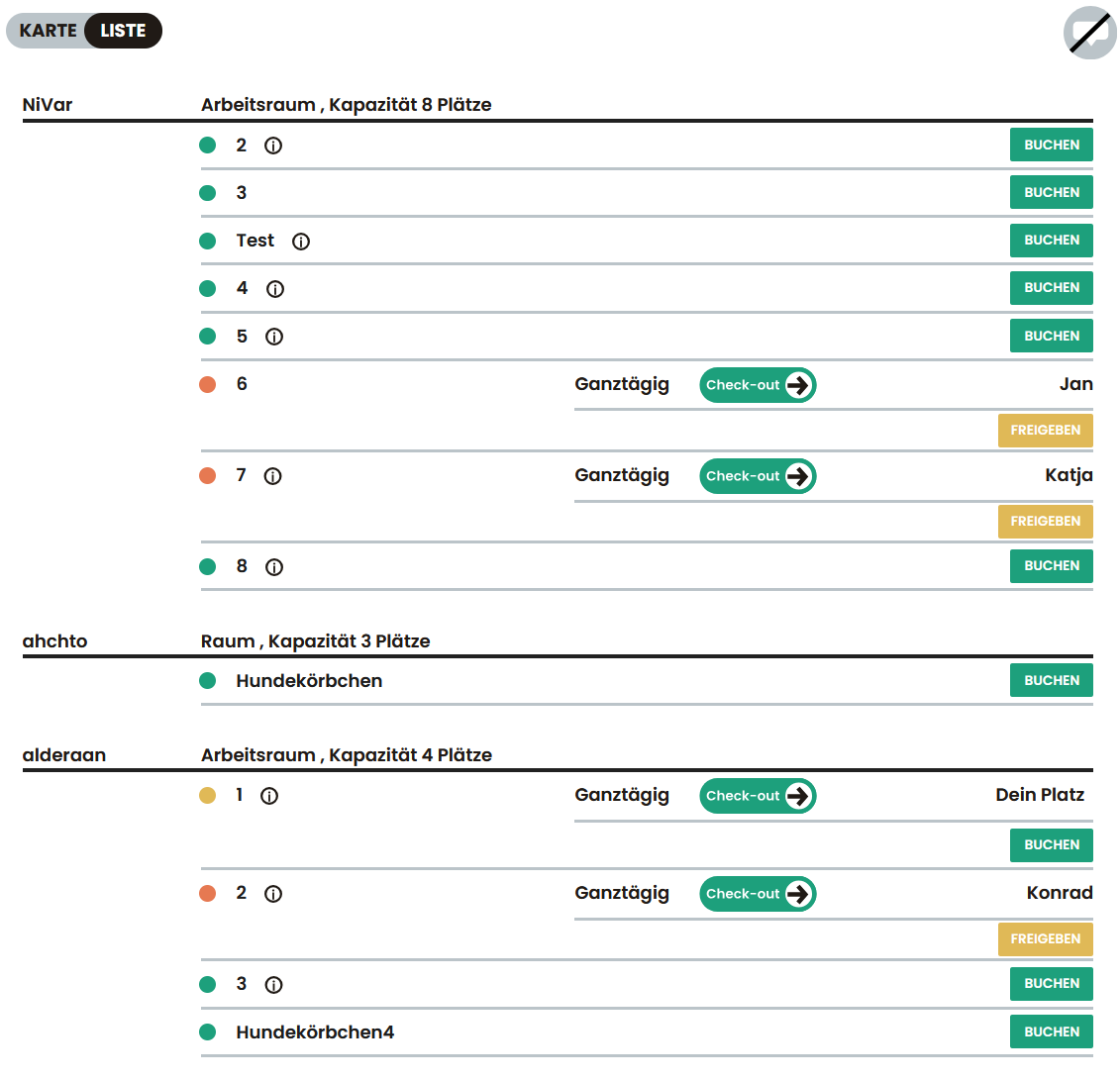
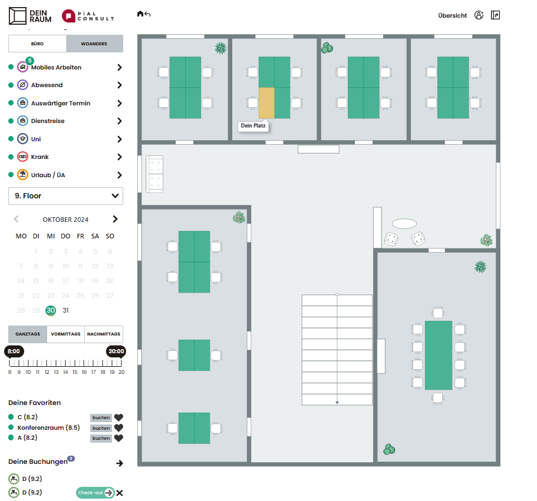
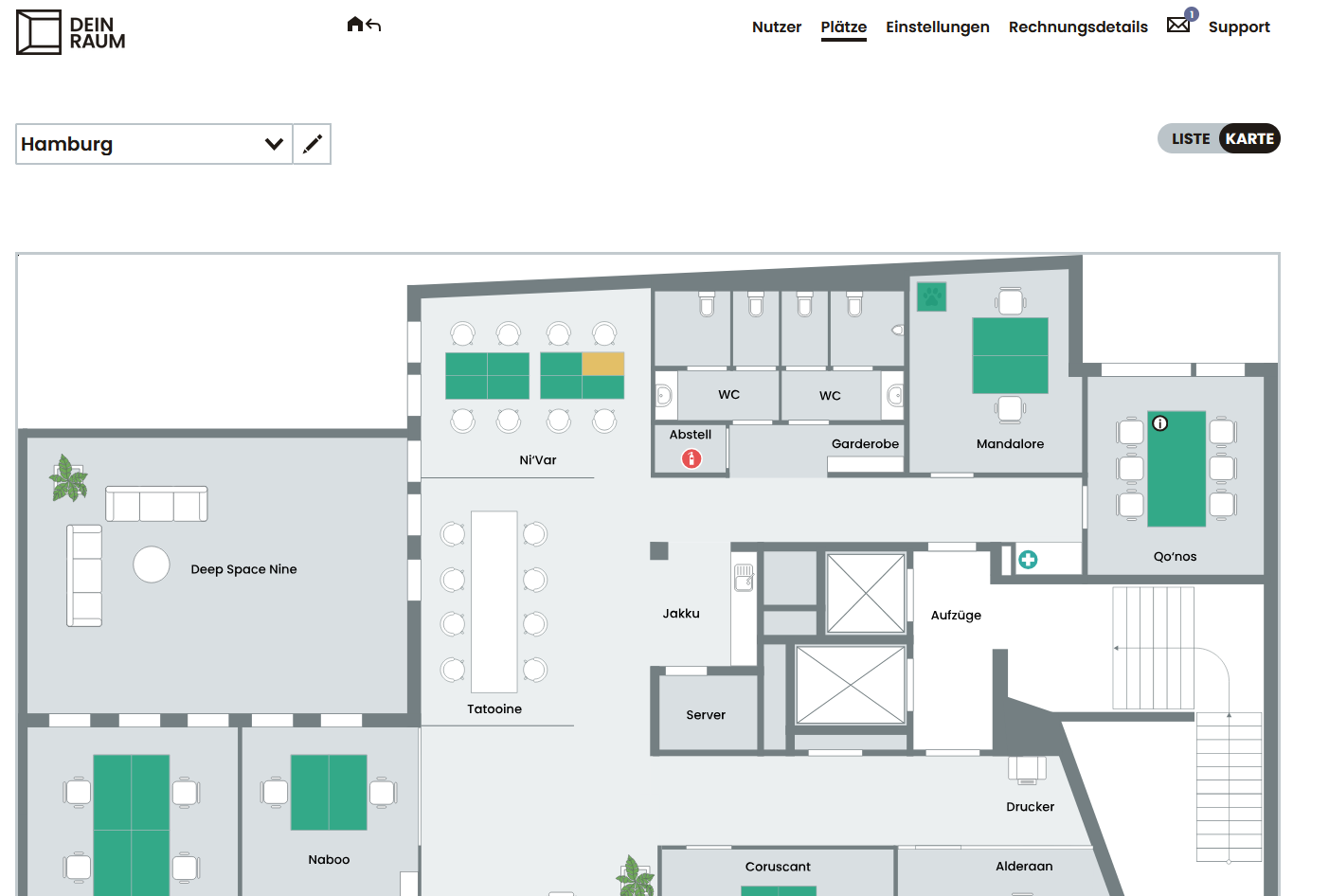
Workstations and rooms can be displayed and booked either graphically in the floor plan or as a tabular list.
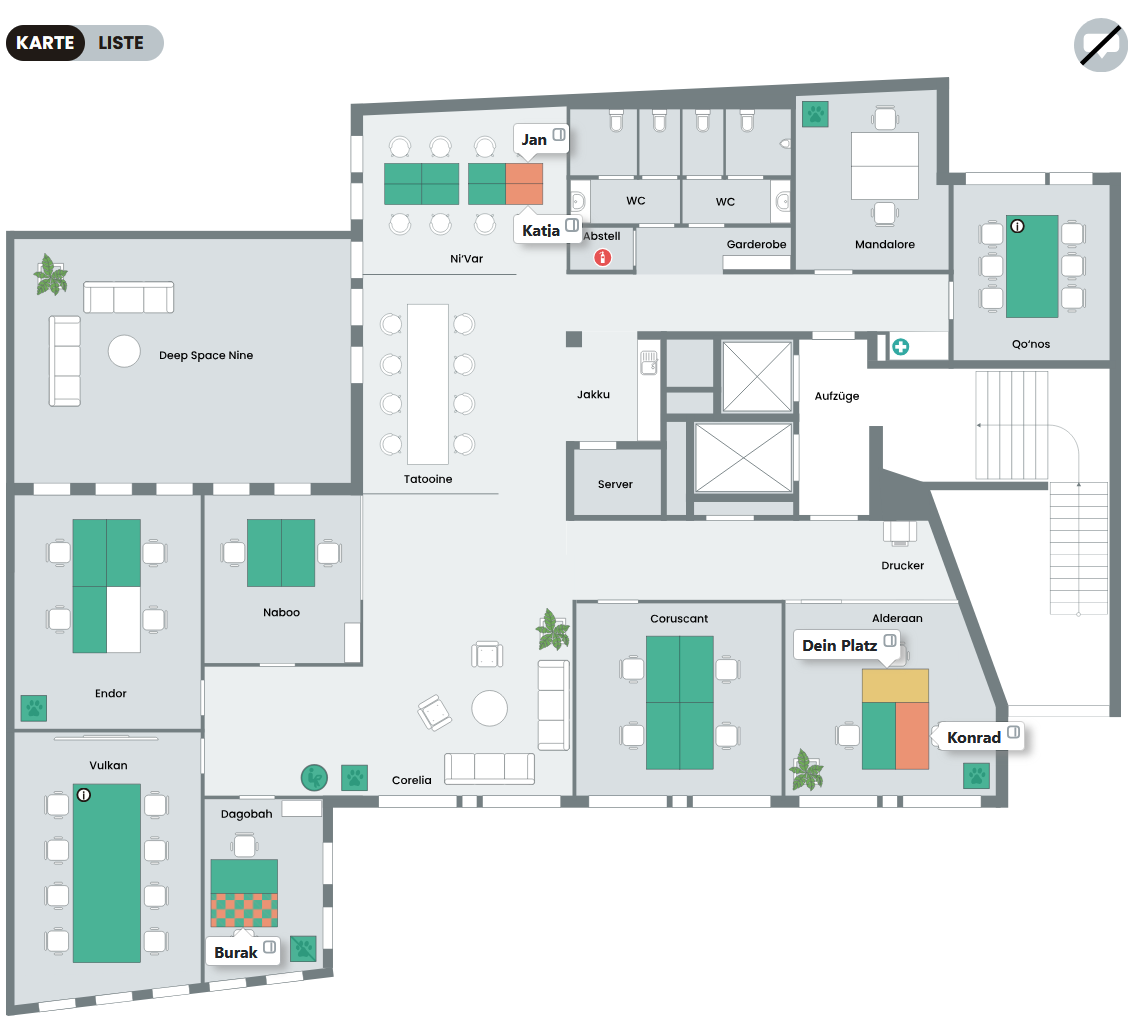
Filter by equipment
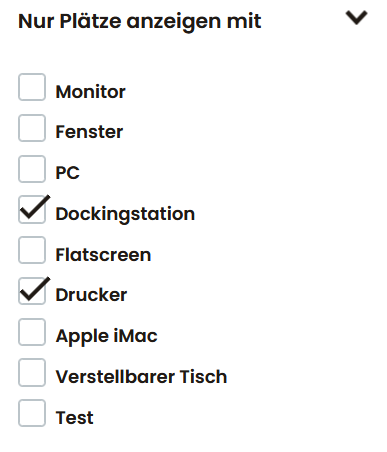
Users can filter workstations by equipment (e.g. monitor, docking station, height-adjustable) to find suitable workstations more quickly.
Whitelabel
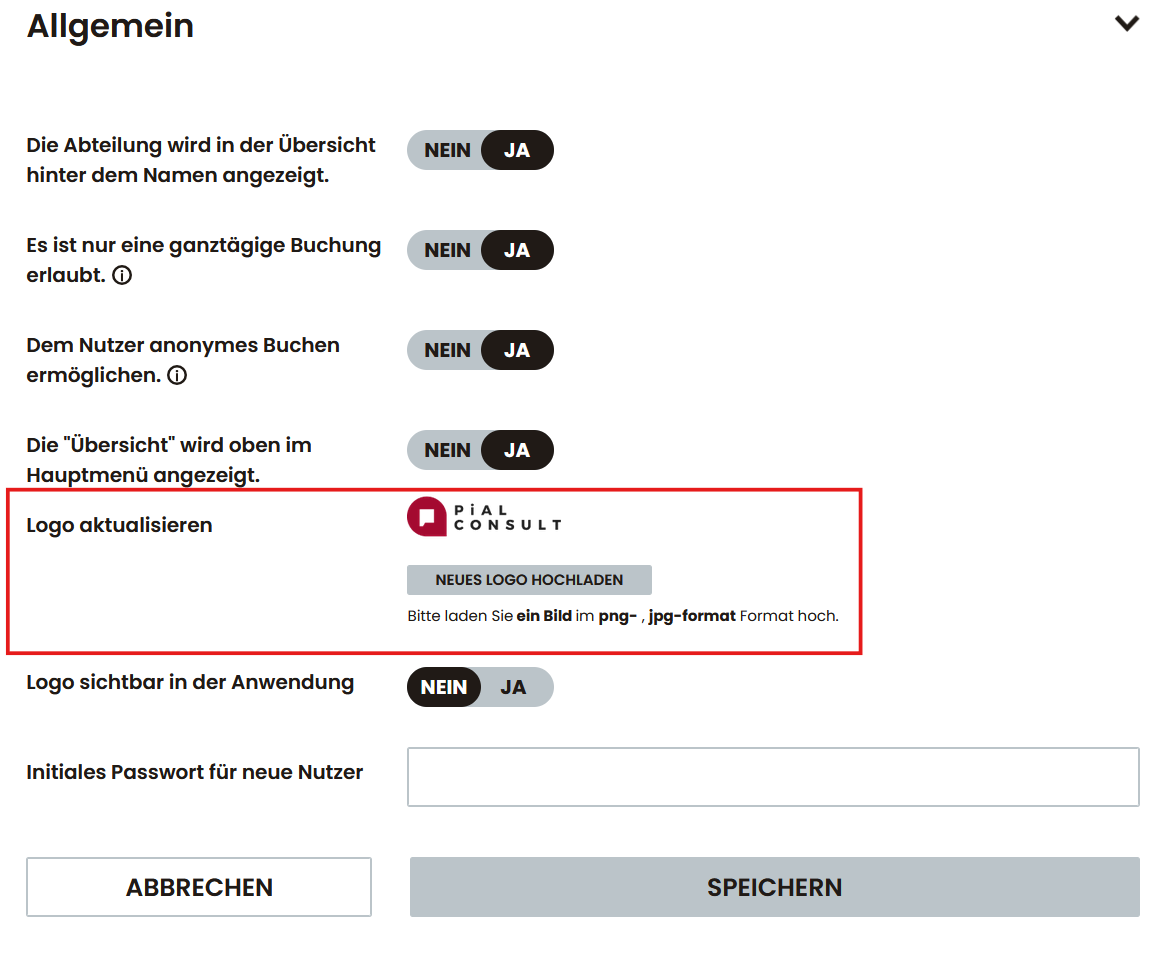
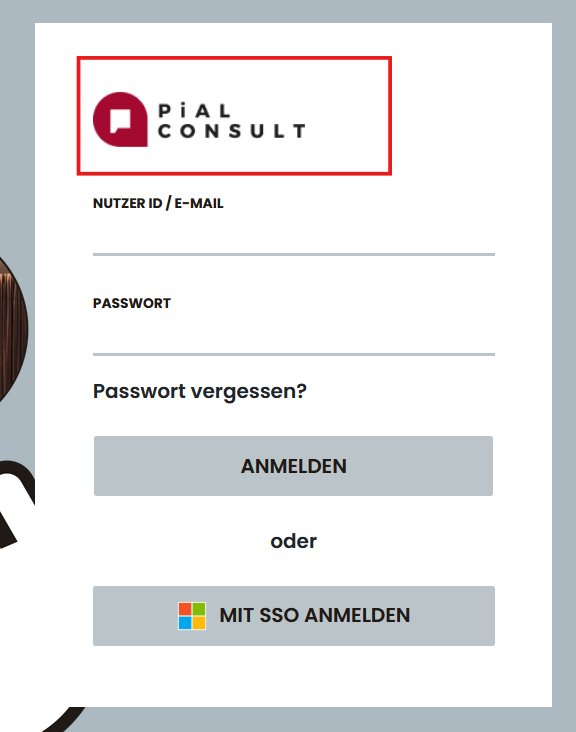
Your own company logo can be stored in the application. Digital door signs can also be customized in the corporate design.
Utilization analysis
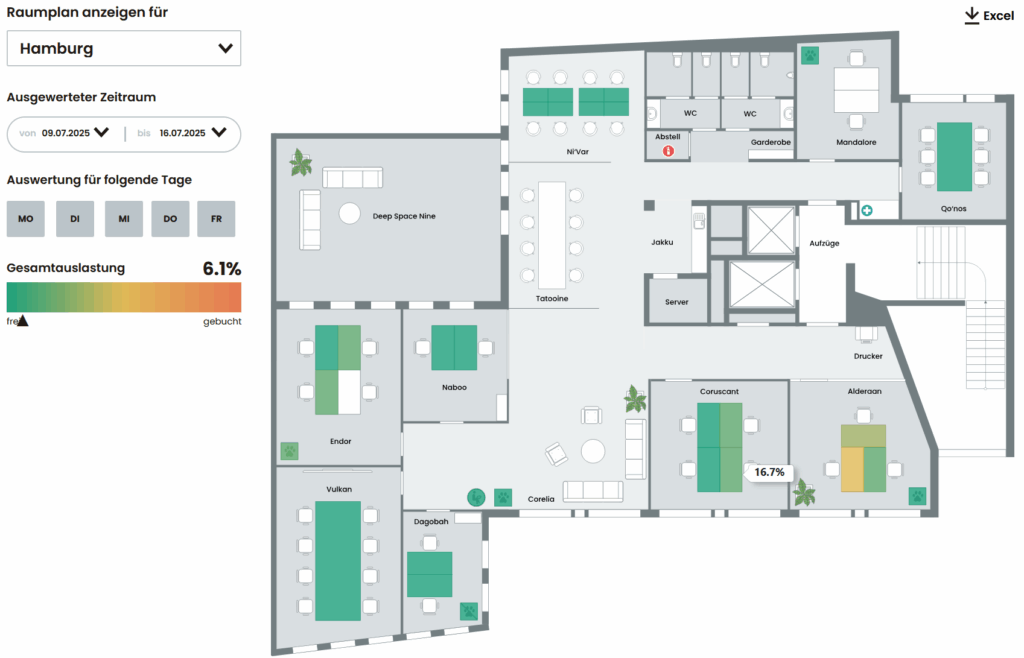
Visualizes graphically and as a percentage how much spaces, rooms or entire floors were used in a certain period of time. Results can be exported as an Excel file.
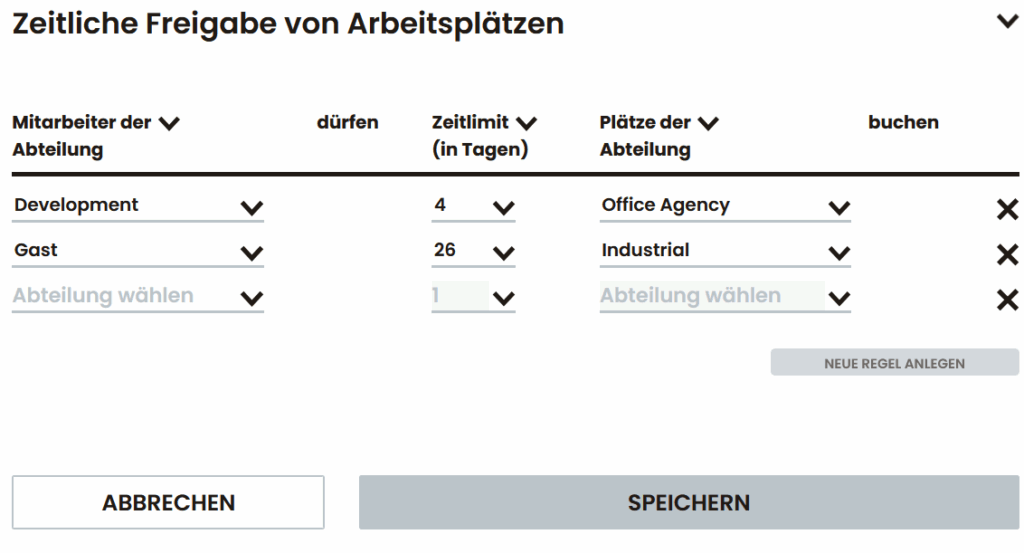
Booking rules for departments
Allows you to define booking periods or preferred booking rights for specific departments.
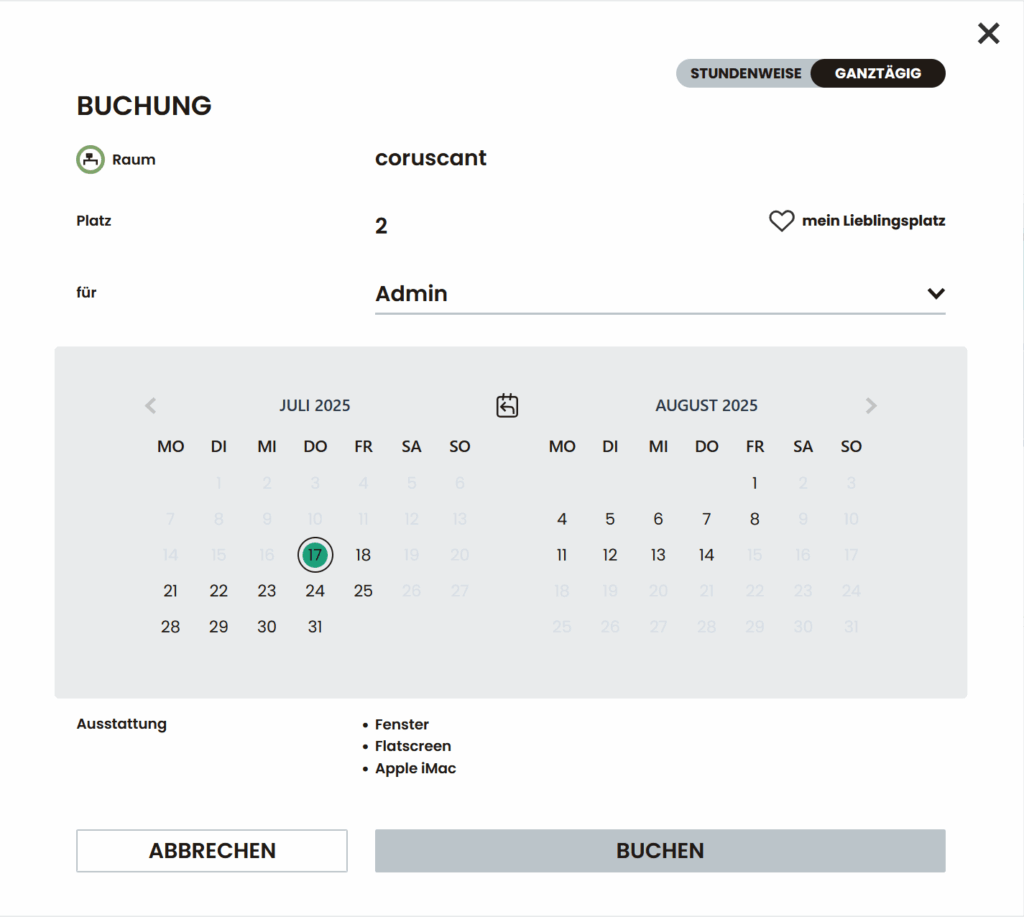
Multi-day booking
All resources, including workstations and meeting rooms, can be booked over several days, e.g. for project work or field service.
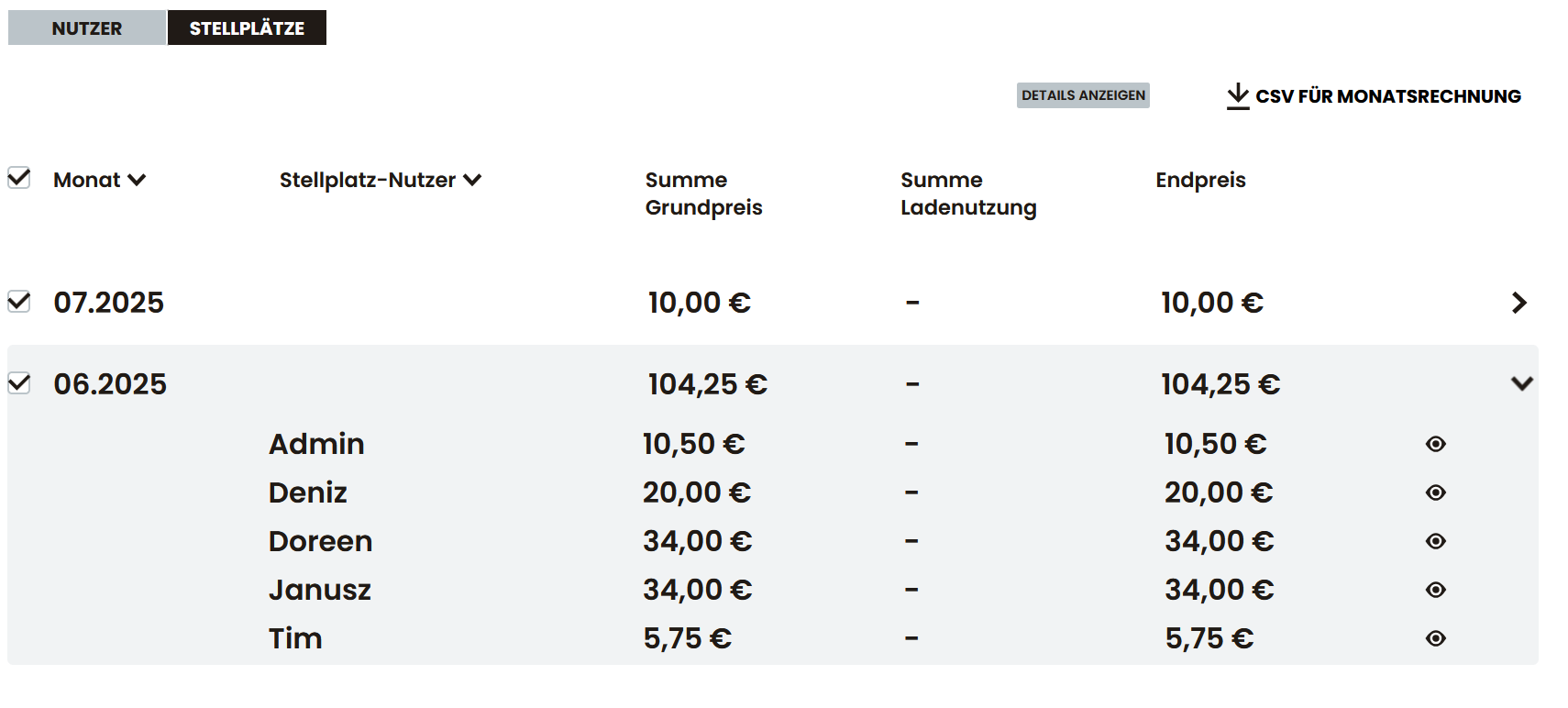
Resource rental
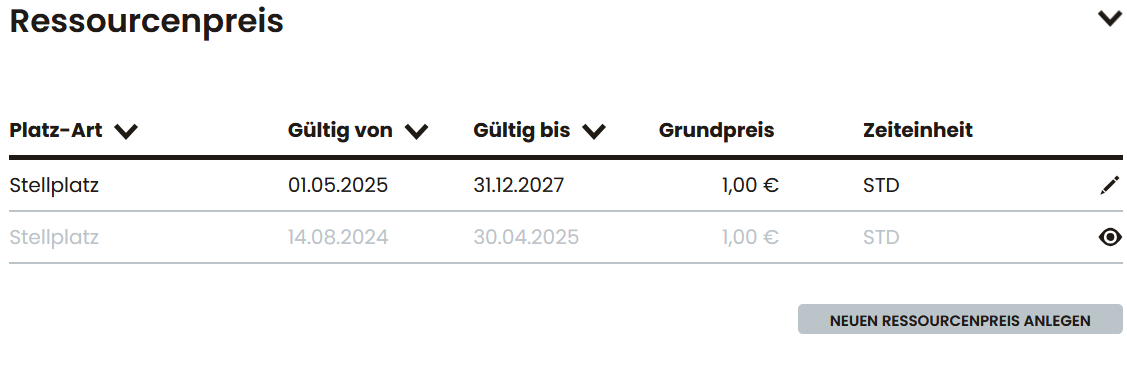
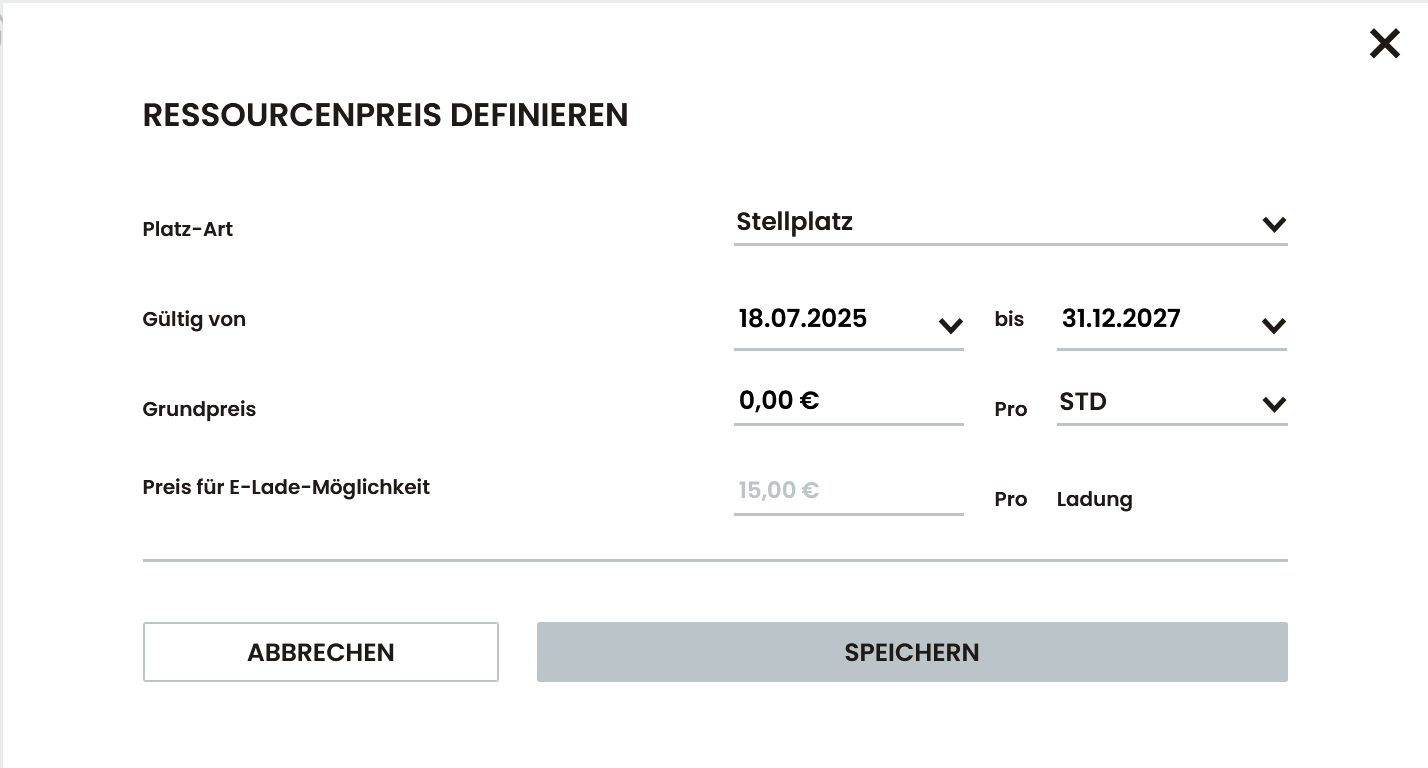
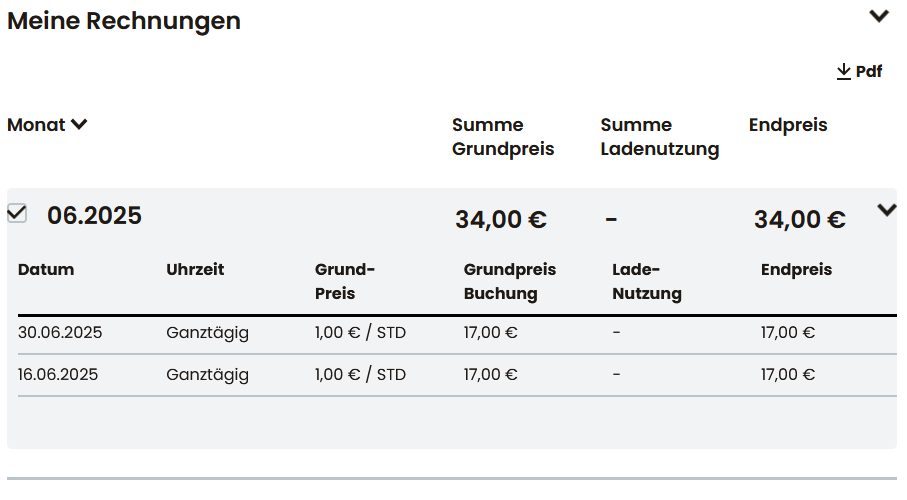
Optionally, chargeable resources such as parking spaces or e-charging stations can also be booked with prices. Including billing & CSV export.
Favorites
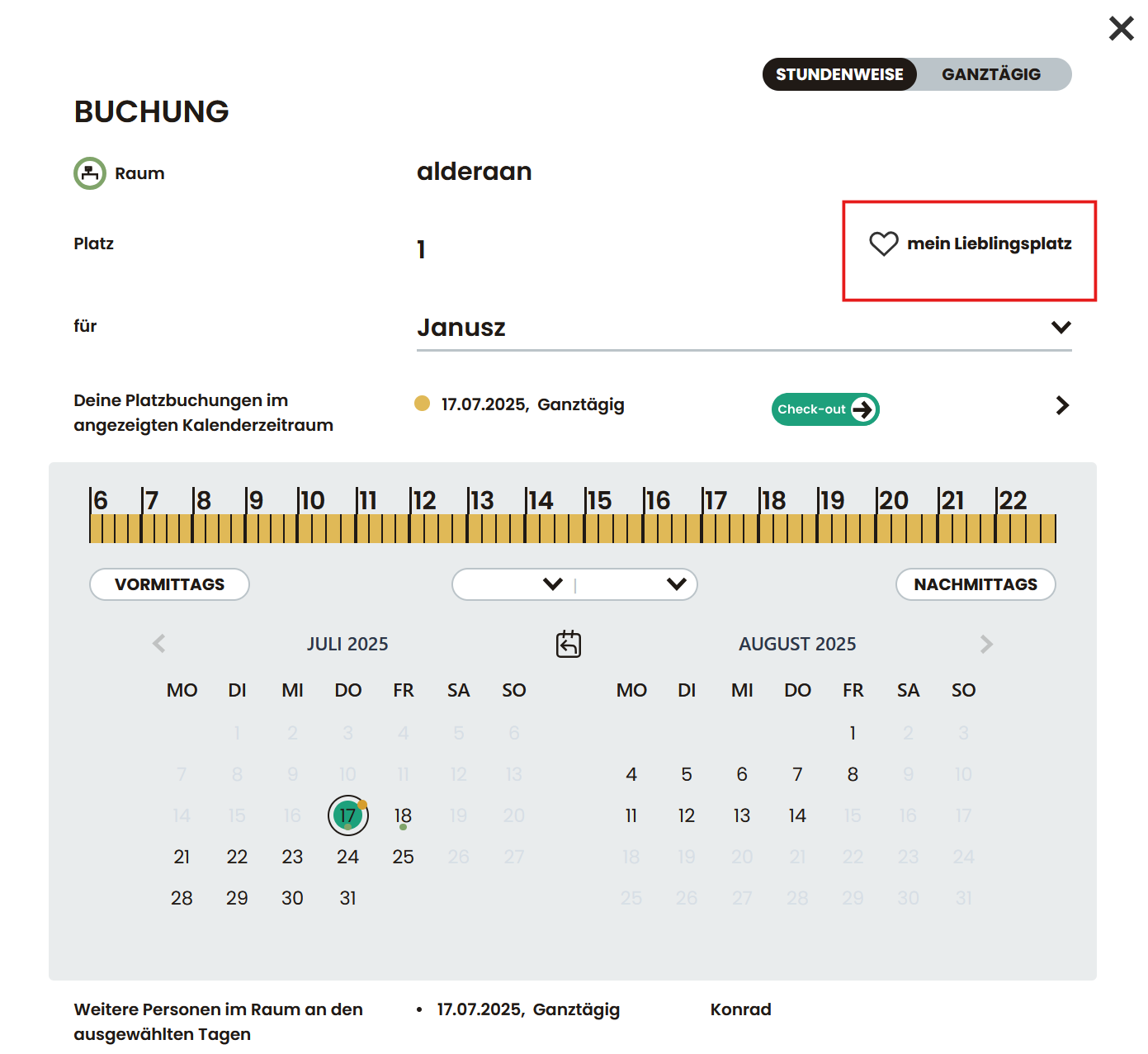
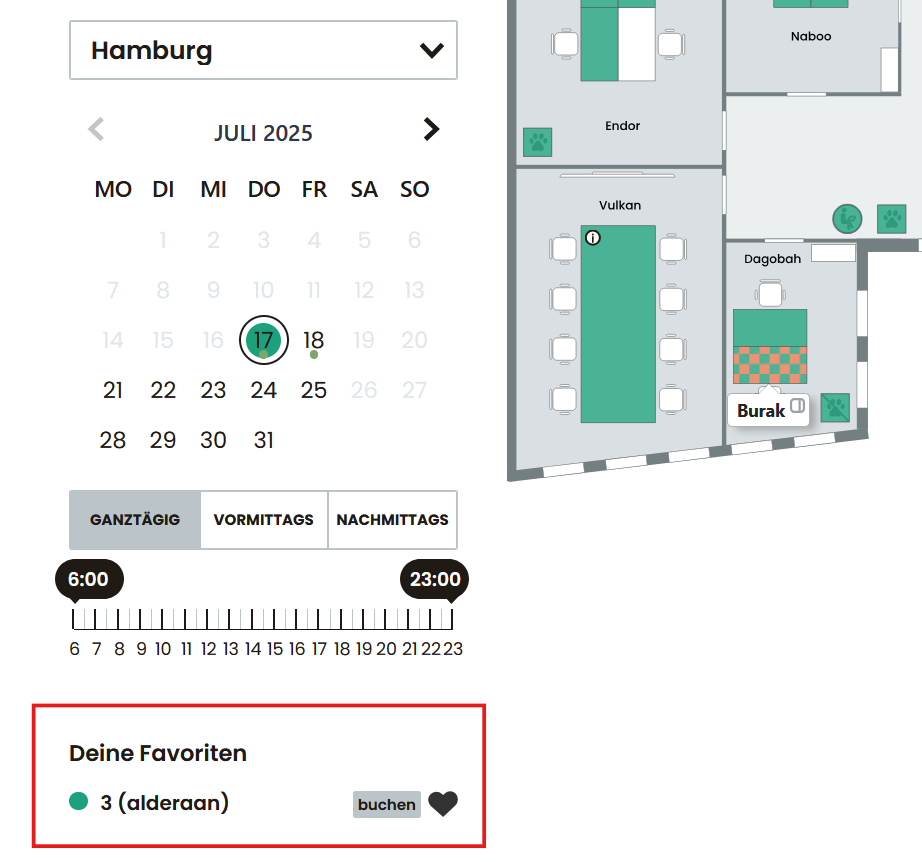
Users can mark their favorite resources and book them more quickly (“super-fast booking” function with two clicks).
Anonymous booking
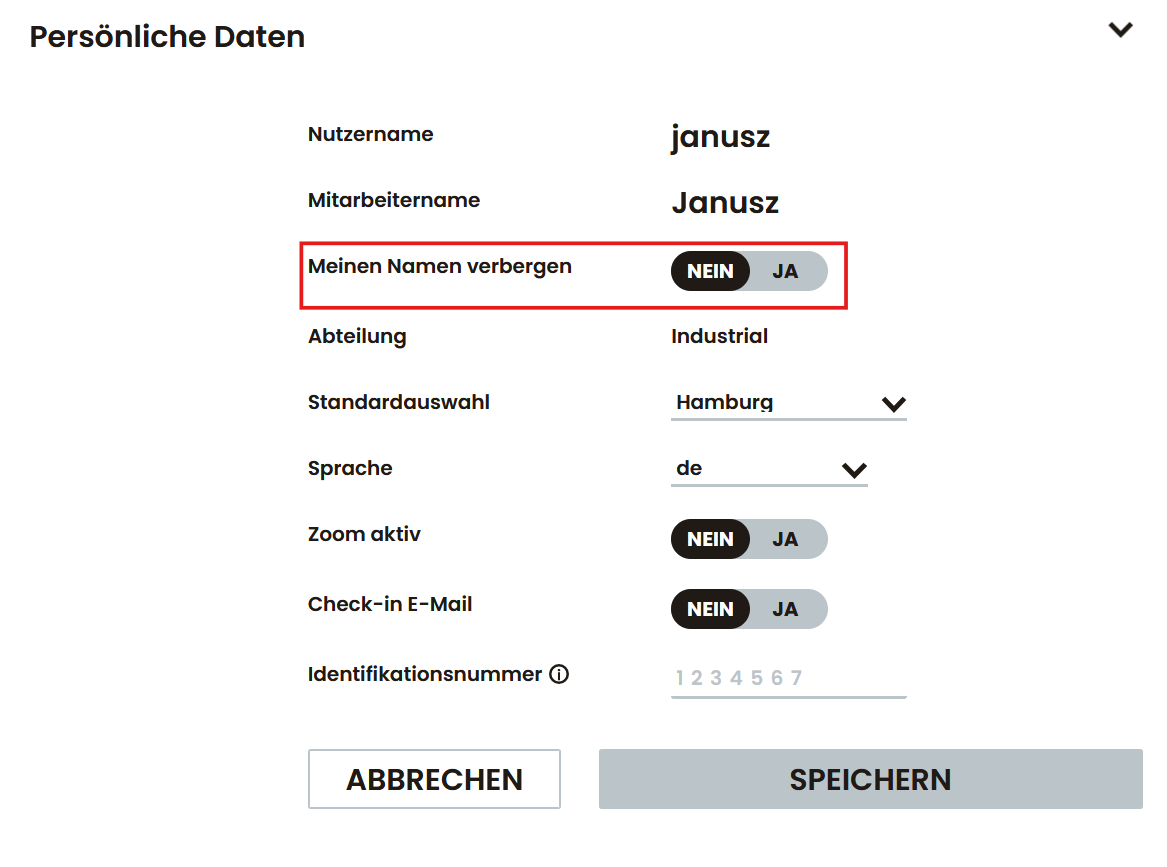
Users can hide their name on the floor plan – for sensitive work areas, for example. This can be optionally activated in the personal settings or is a general setting for all users of the system.
30-day report
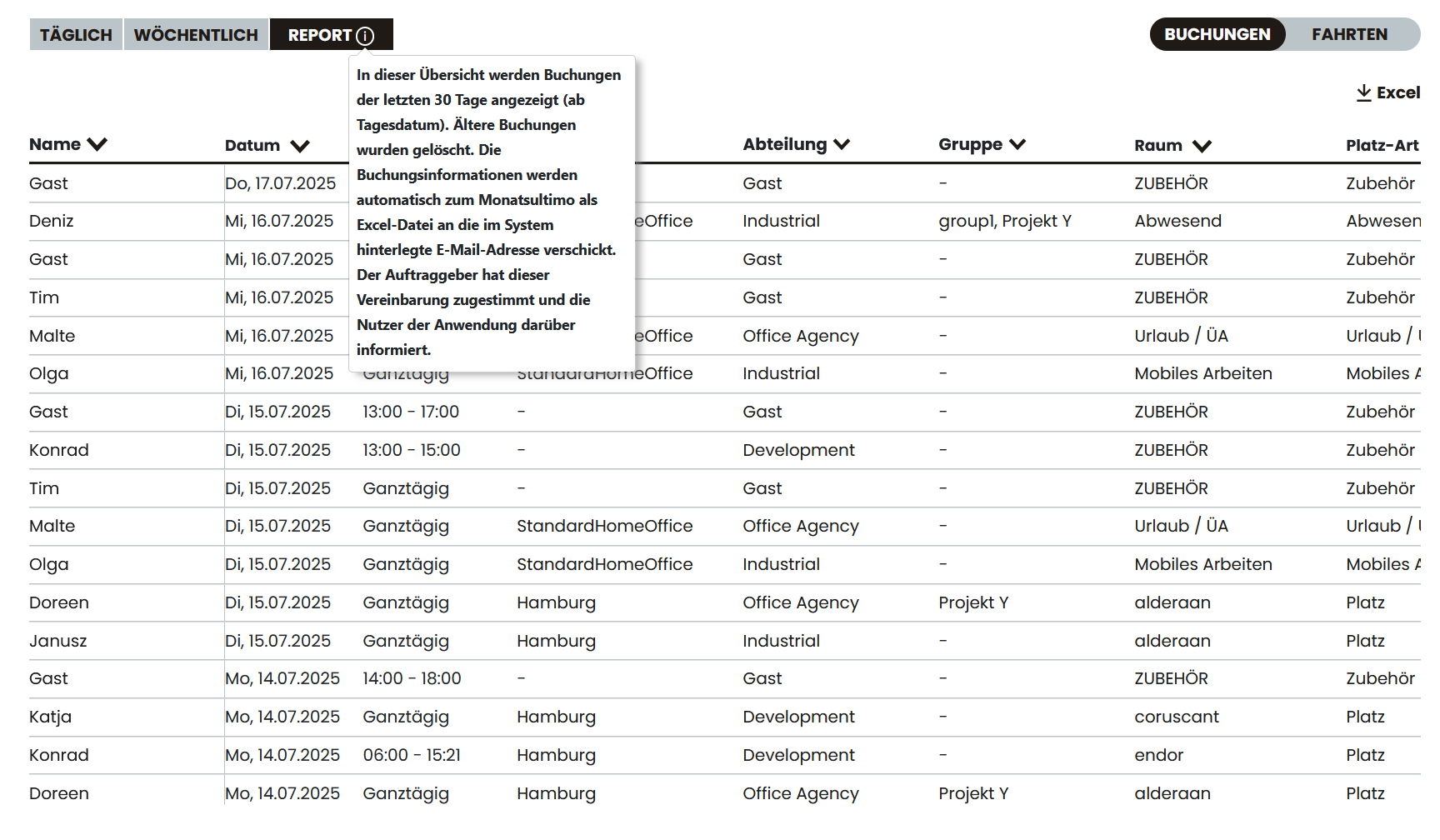
Monthly evaluation of user attendance over 30 days – e.g. for HR, team leaders or to manage hybrid models. Important: This function is deactivated by default. To activate it, the client must explicitly agree to this agreement and inform the users of the application.
Working time & posting horizon
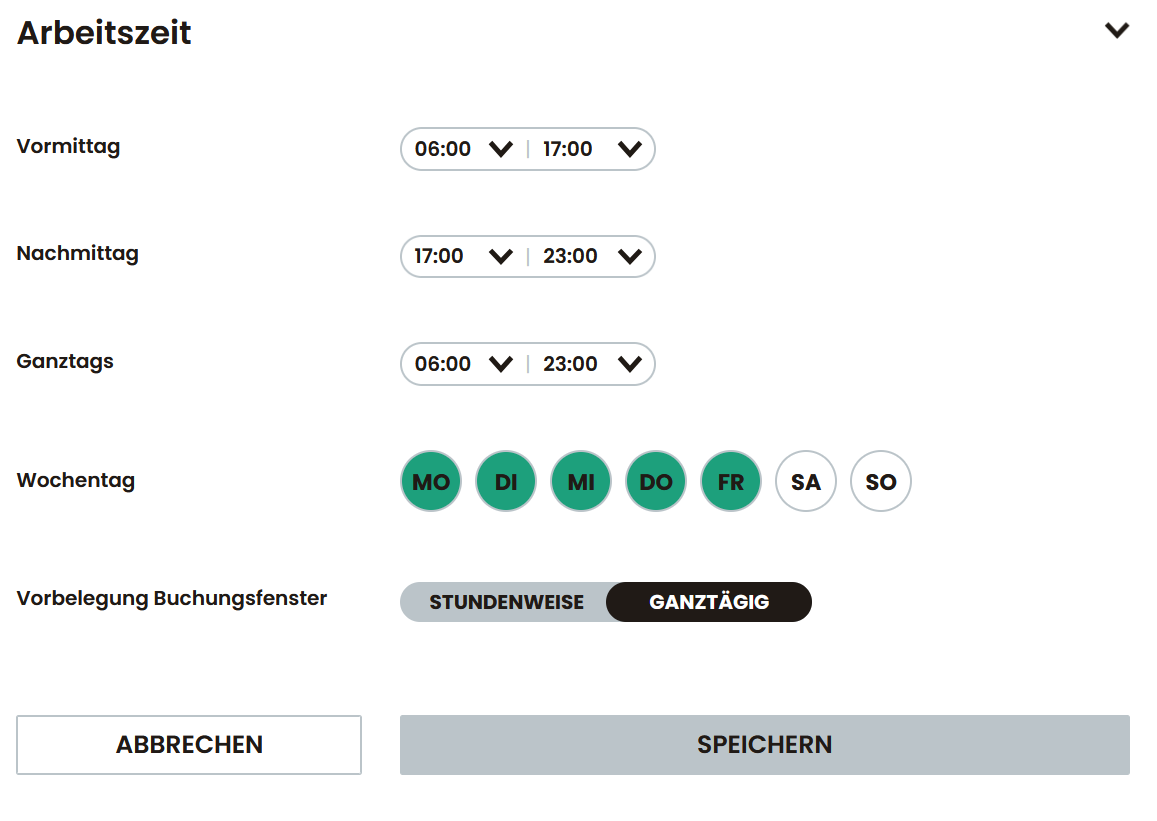
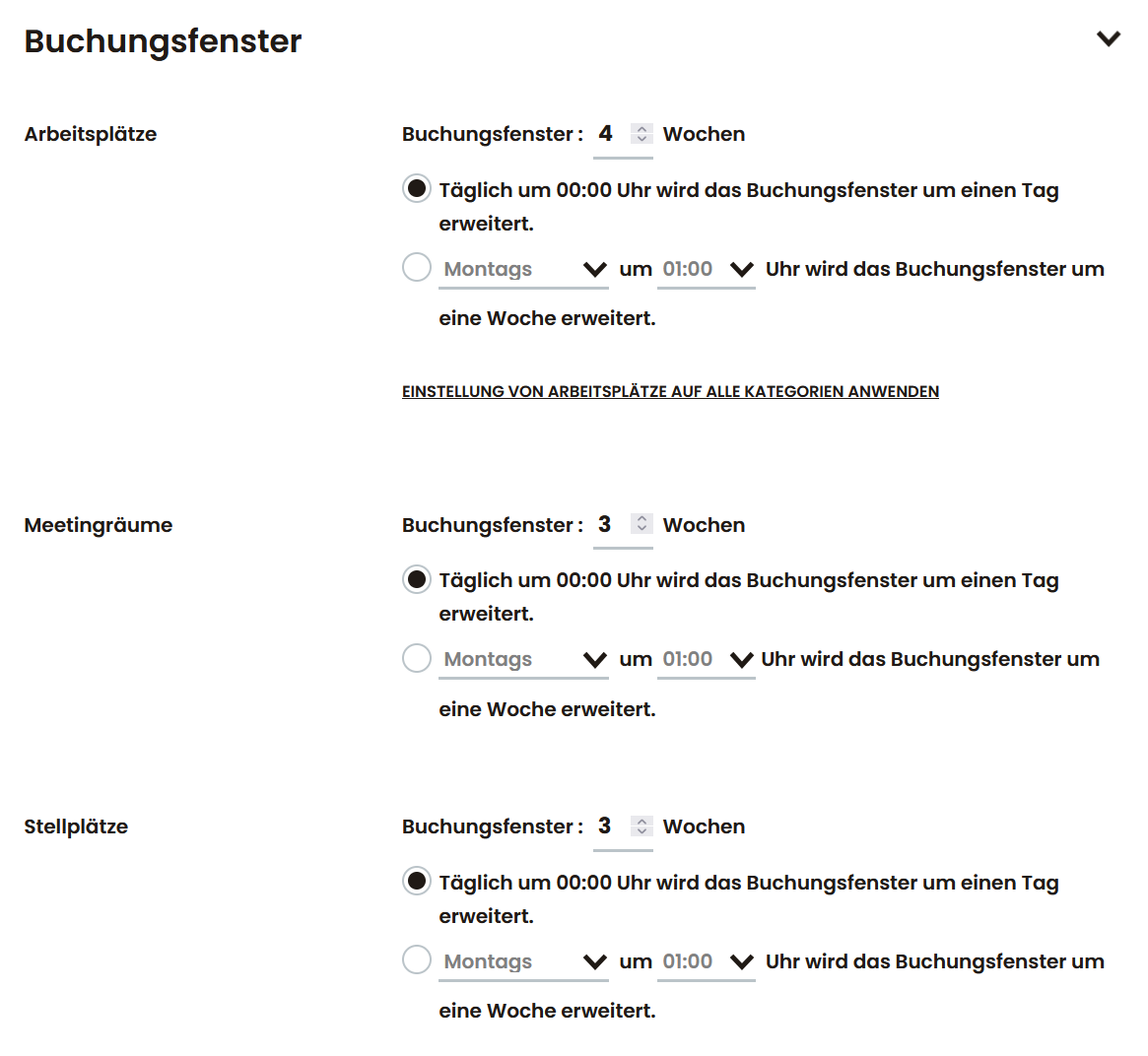
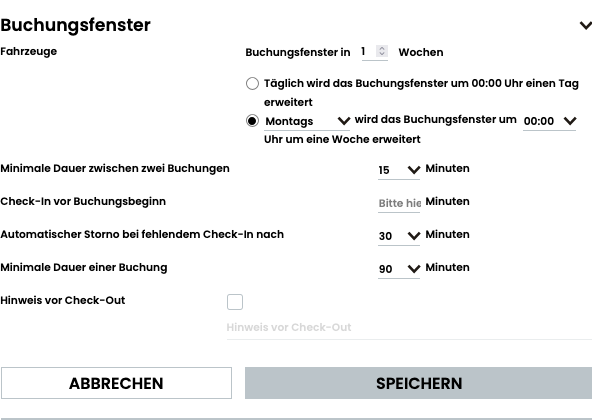
The booking periods (e.g. 8am-12pm) and booking windows (e.g. max. 4 weeks in advance) can be set individually in the system.
Workplaces
Workstation booking
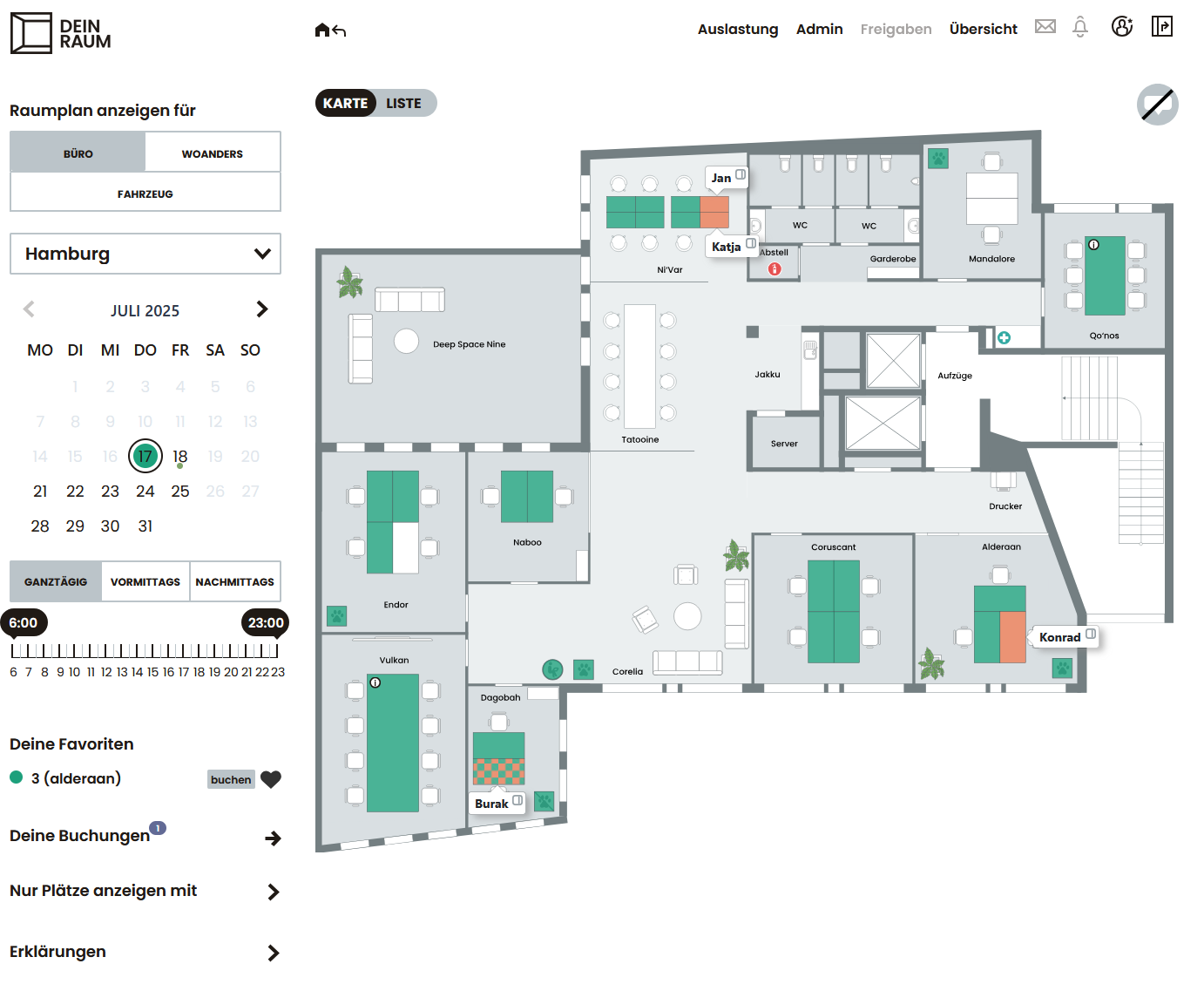
Workstations can be booked flexibly for the whole day or by the hour – via an interactive floor plan or list view. Filters such as equipment, floor or department help you make a targeted selection.
Multi-day booking
Workstations and meeting rooms can be booked over several days, e.g. for project work or field service. Booking for another person is also possible with the appropriate authorization .
Weekly rule
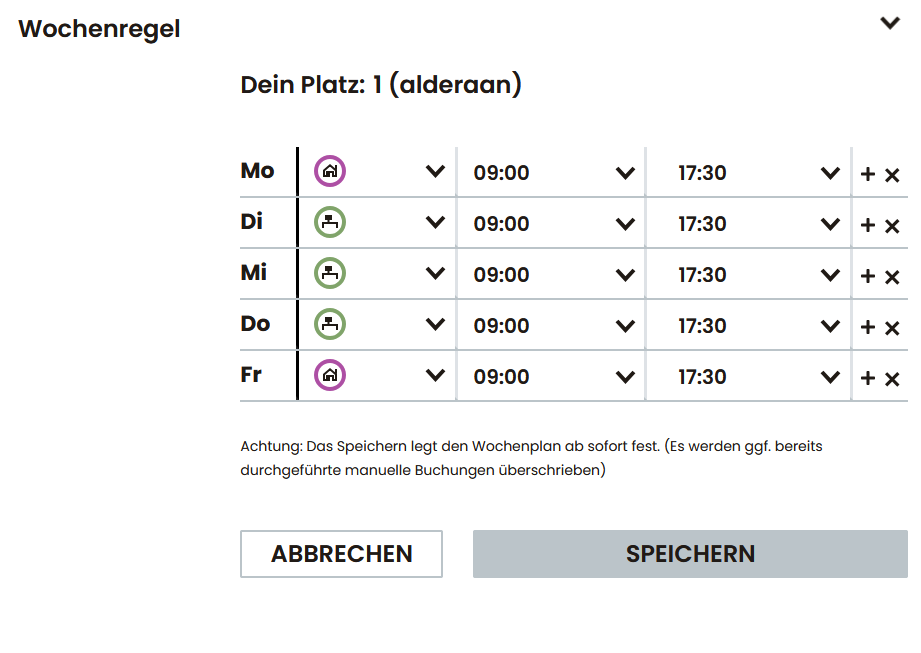
Recurring bookings can be saved as a personal weekly rule. Times and preferred places can be stored for each day of the week – ideal for hybrid working models with fixed office days.
Check-in & Check-Out
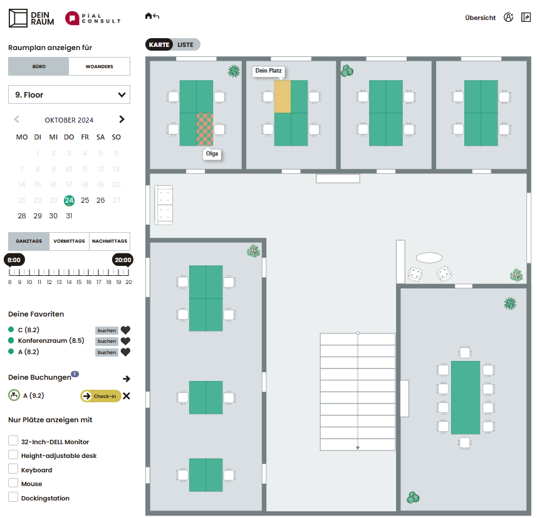
A reminder is sent out before the start of the booking. If the check-in does not take place on time, the reserved seat is automatically released again – so unused seats are not blocked.
Parking lots
Parking lot booking
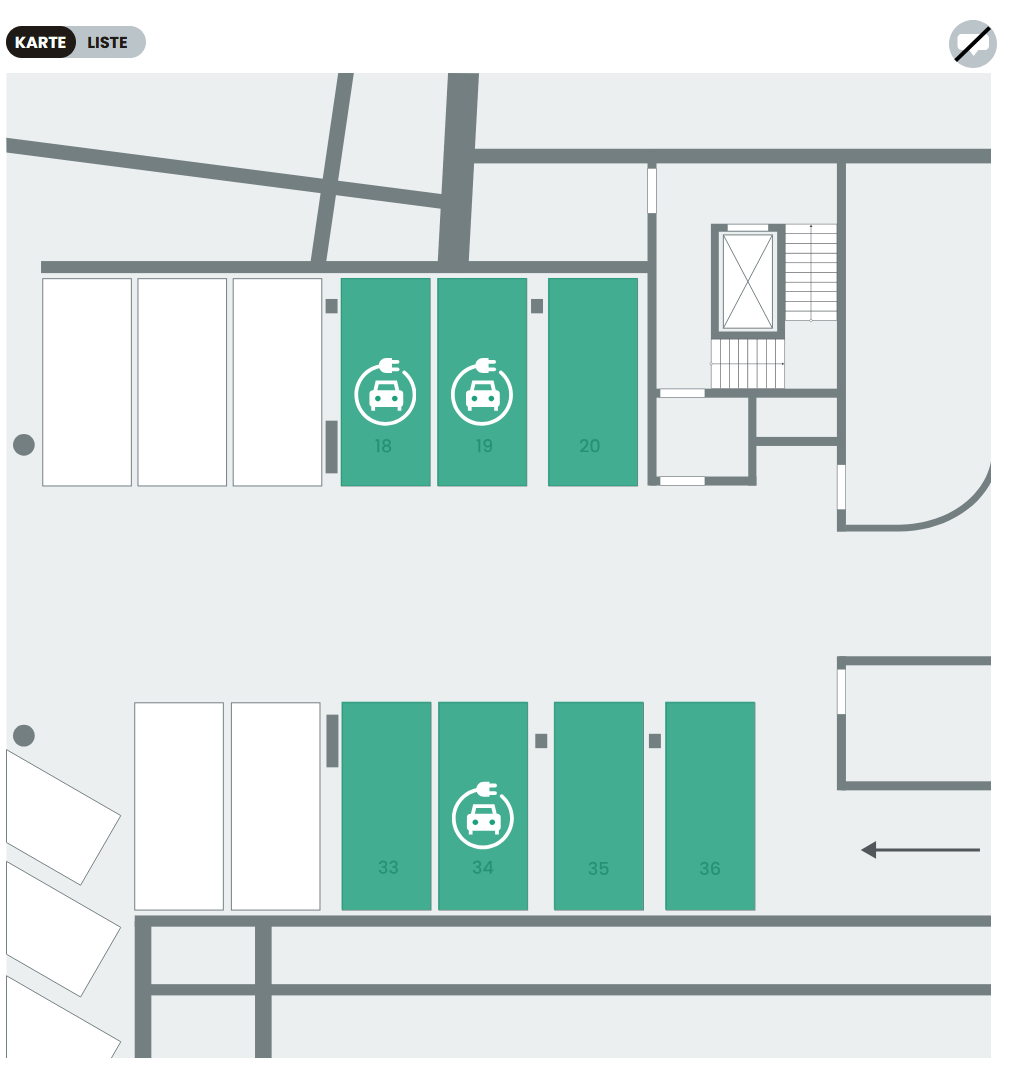
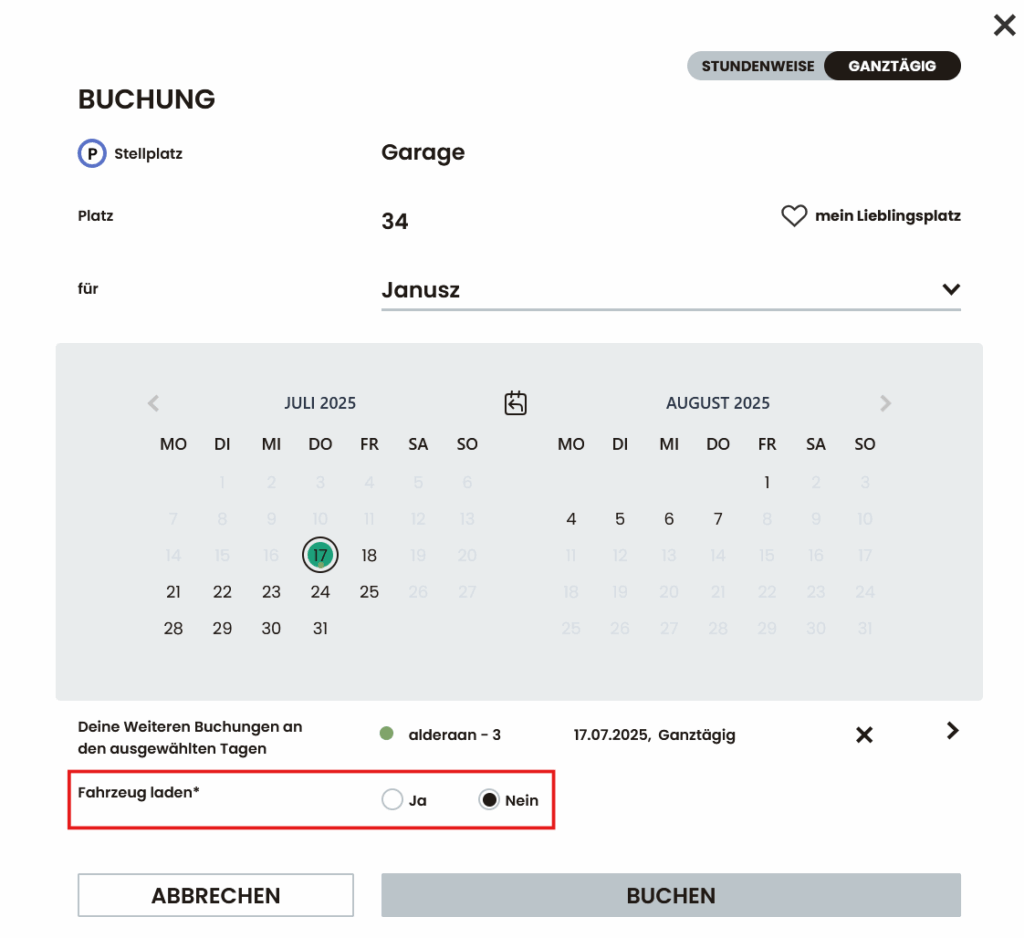
Parking spaces can also be conveniently reserved – including the choice of an e-charging option if required. All prices and additional costs such as charging fees can be viewed before booking.
Renting out parking spaces
Parking spaces can be provided as chargeable resources and optionally also released for rental. Billing is automatic and traceable.
Labeling of charging stations
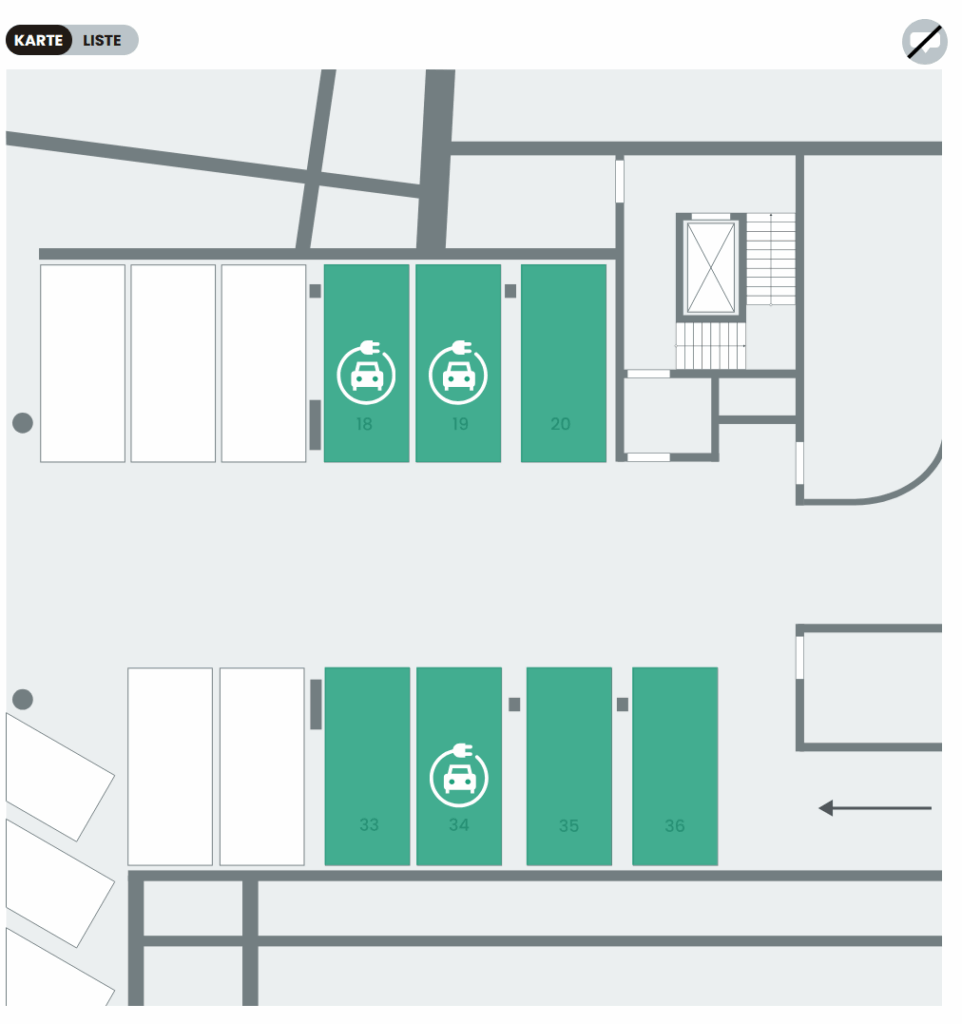
When booking a parking space, you can specify whether a vehicle is to be charged. Available parking spaces with charging facilities are marked accordingly.
Meeting rooms
Meeting room booking
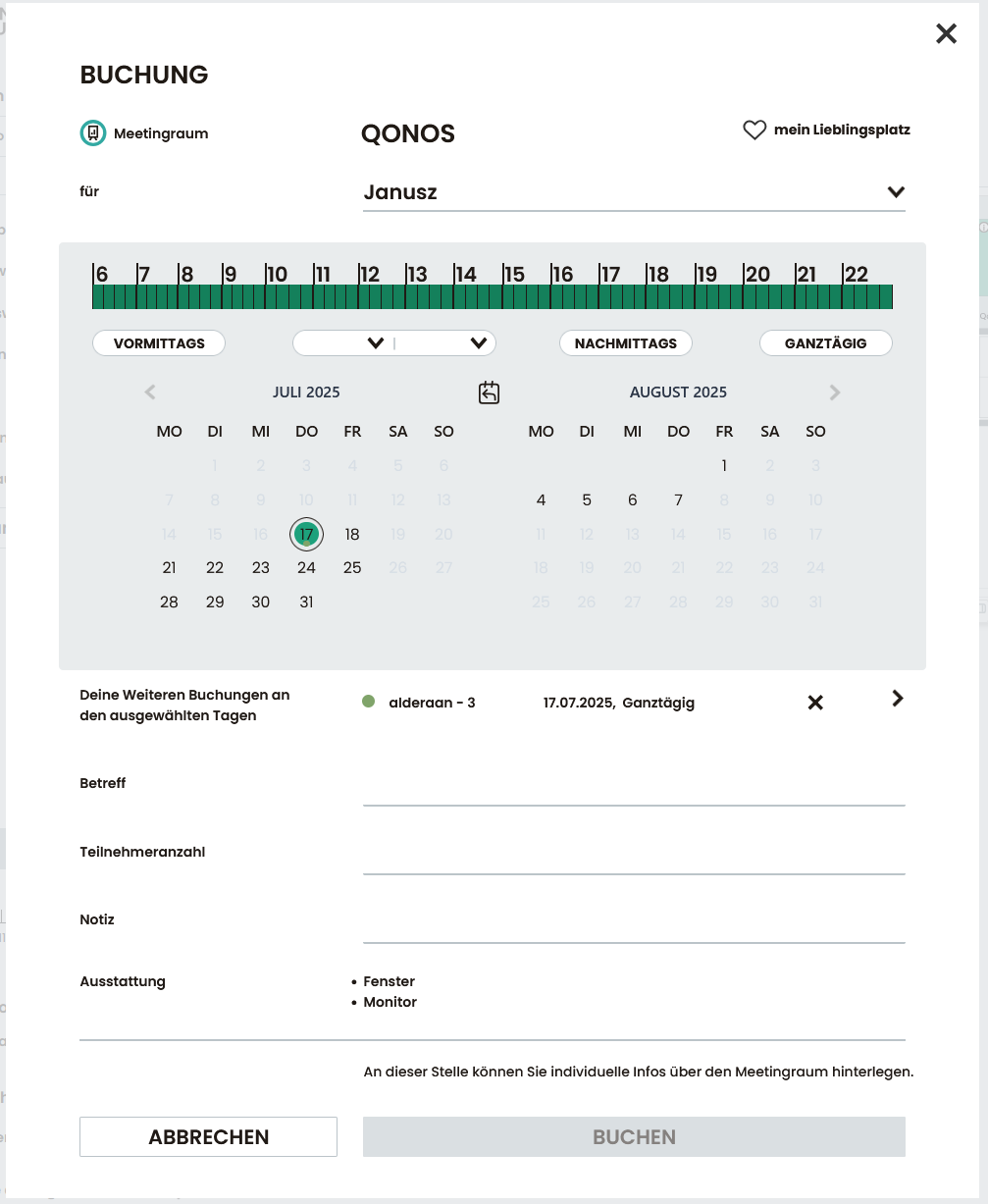
Meeting rooms can be reserved directly via the floor plan or a list – including optional details such as number of participants, notes, required equipment or catering. An approval process can also be activated on request.
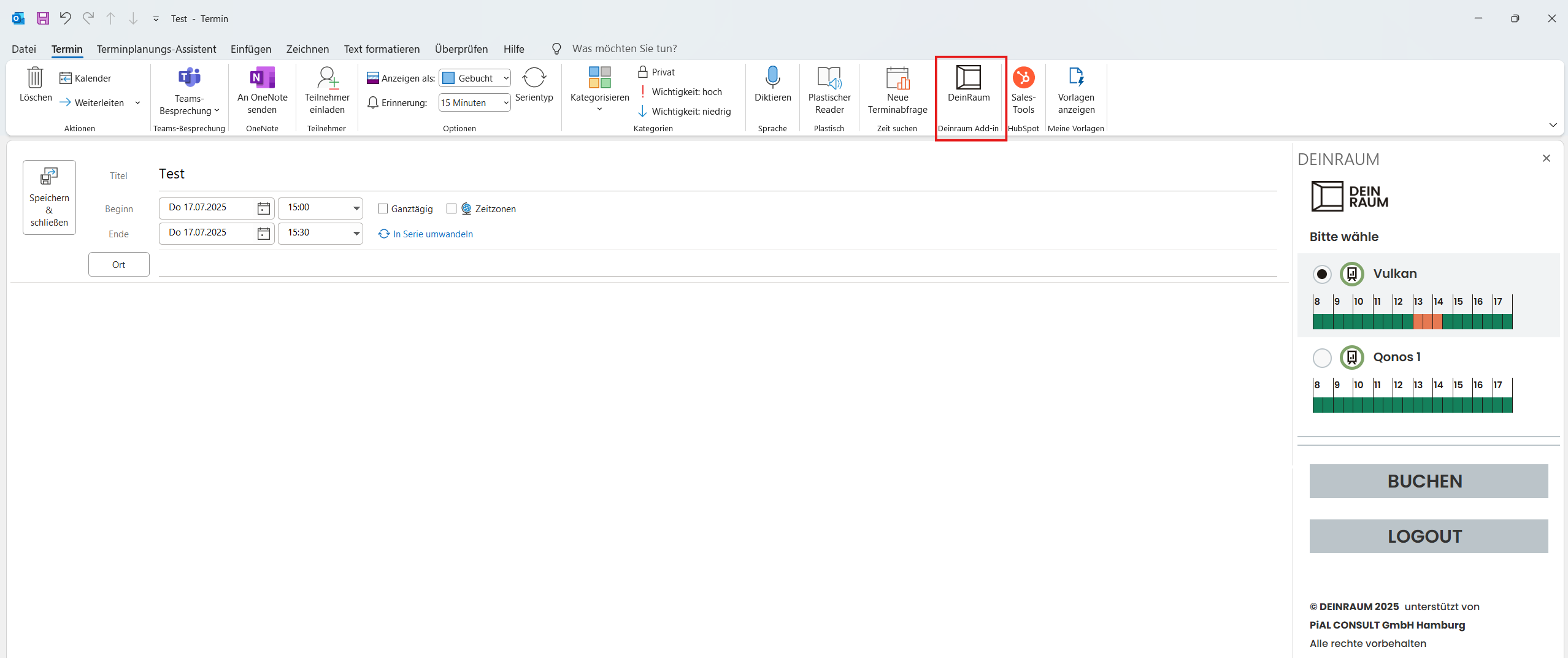
Outlook Add-in
With the add-in , rooms can be booked directly when creating an appointment in the Outlook calendar. The date, time and subject are automatically transferred – without having to change systems.
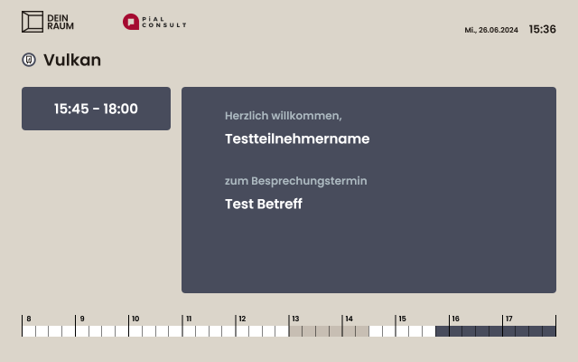
Digital door signs
Tablets attached to meeting rooms show in real time whether a room is free or occupied – in your own corporate design with LED status display if desired.
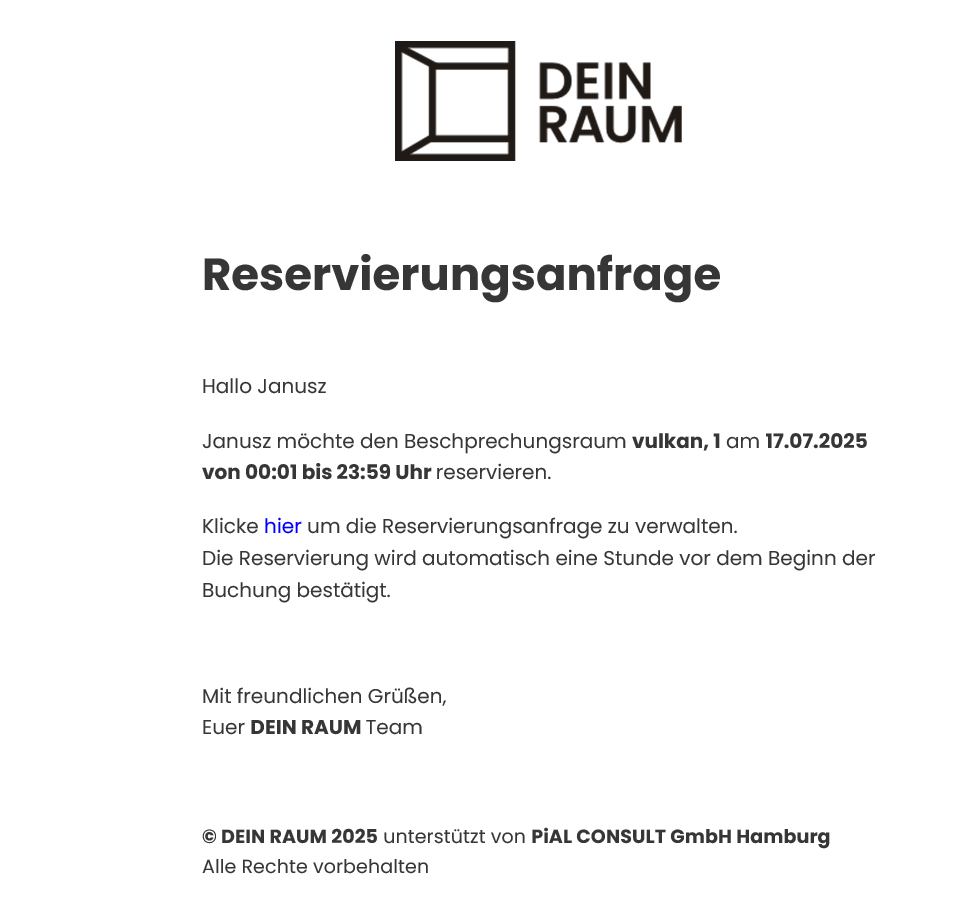
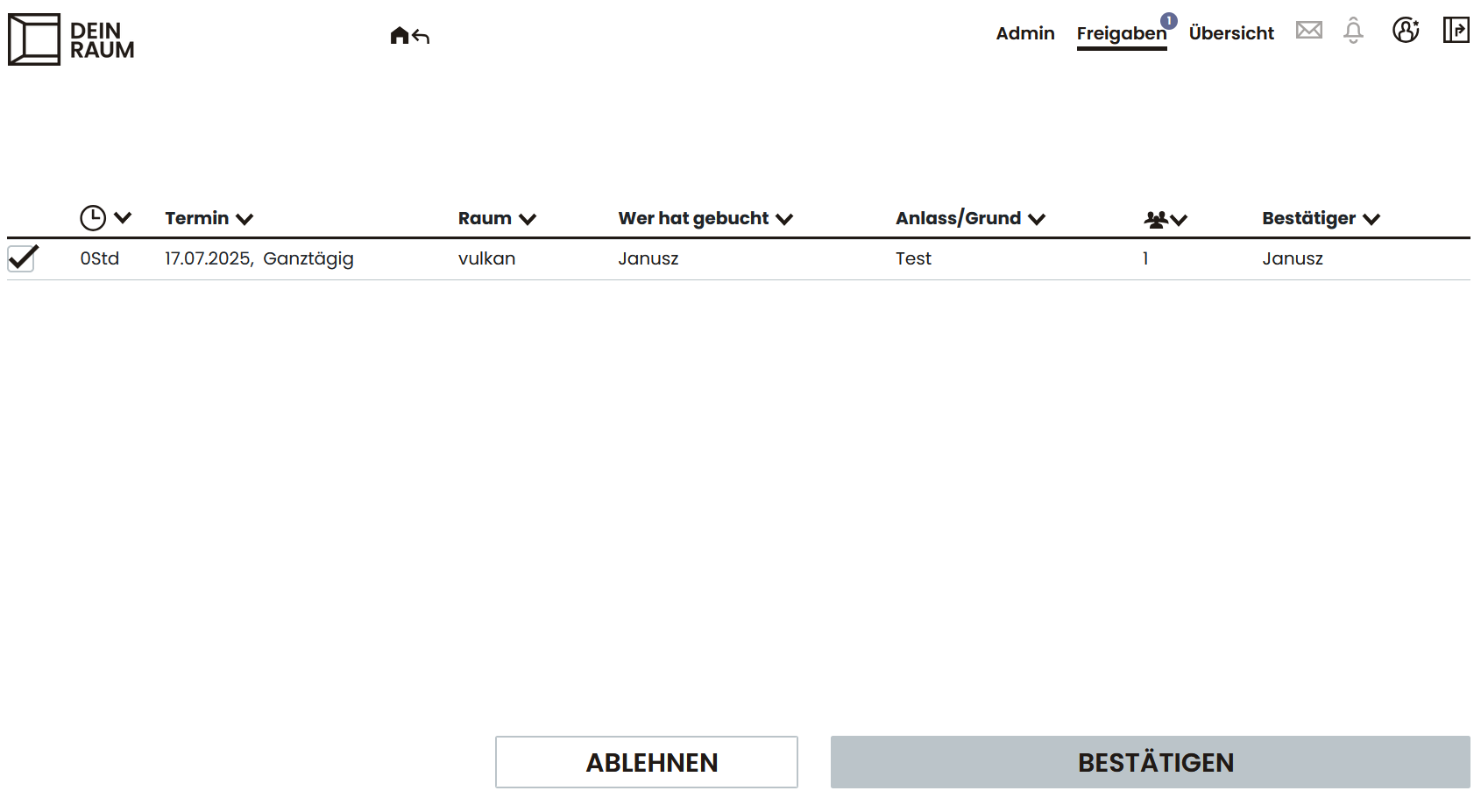
Booking release
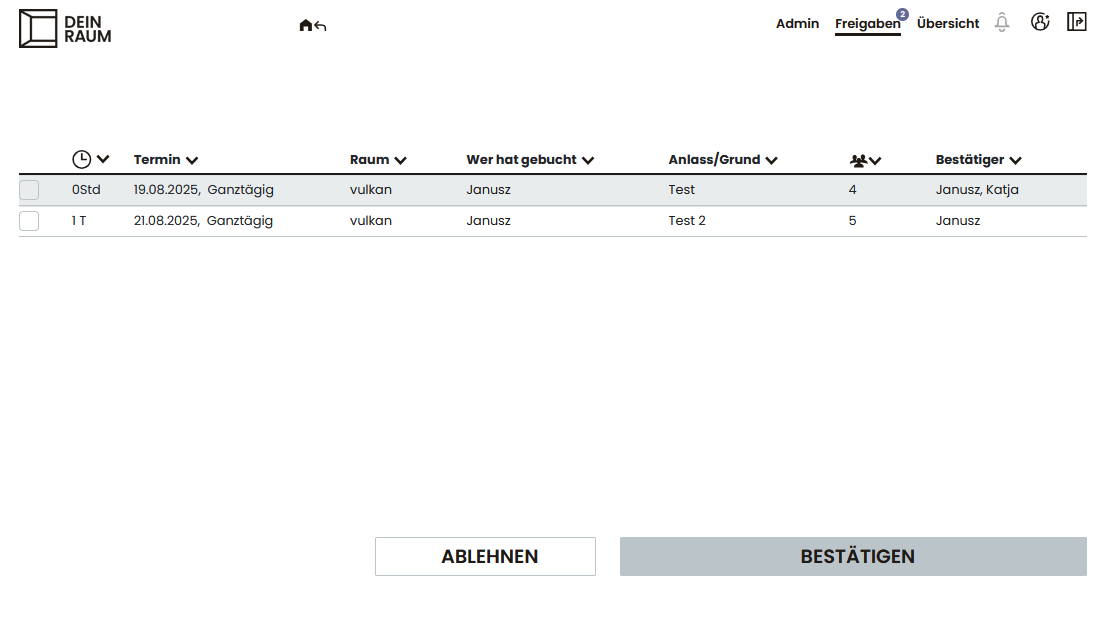
Manual approval by authorized persons can be stored for selected meeting rooms. Requests are sent by e-mail and system notification and can be confirmed or rejected directly.
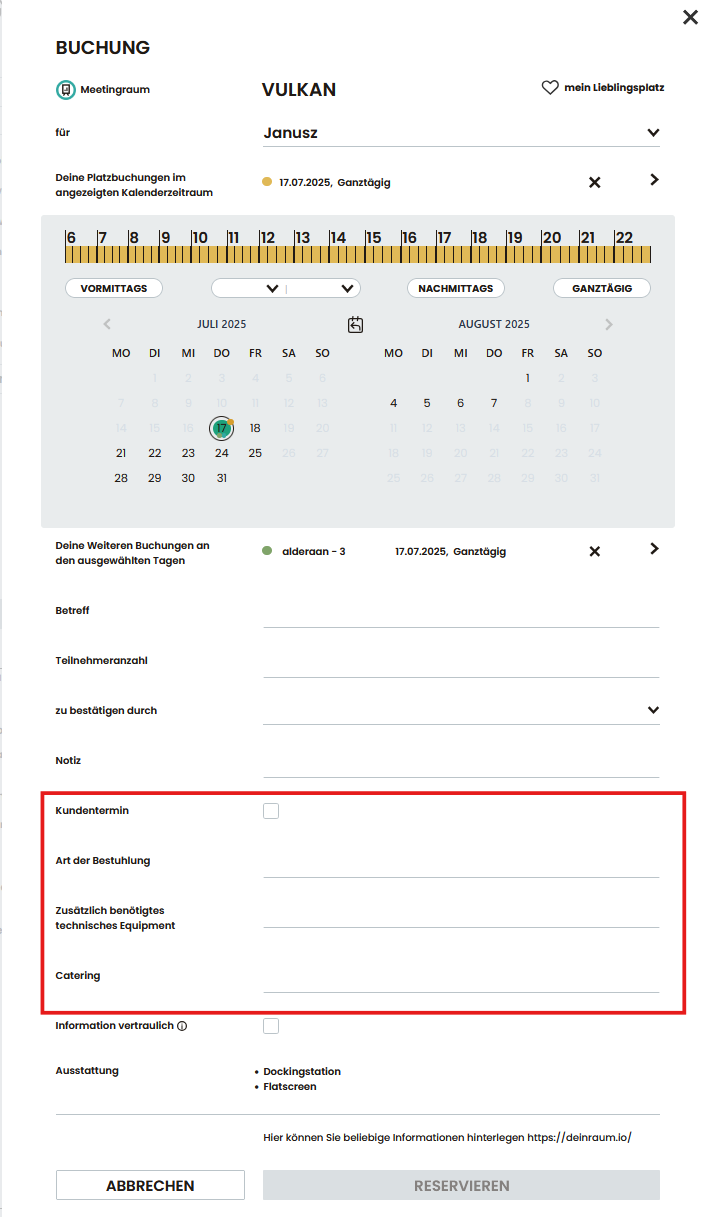
Catering
When booking the meeting room, information on catering, the type of seating and any additional technical equipment required can be included. All information can be sent automatically to an e-mail linked to the room.
Vehicle fleet
Vehicle booking
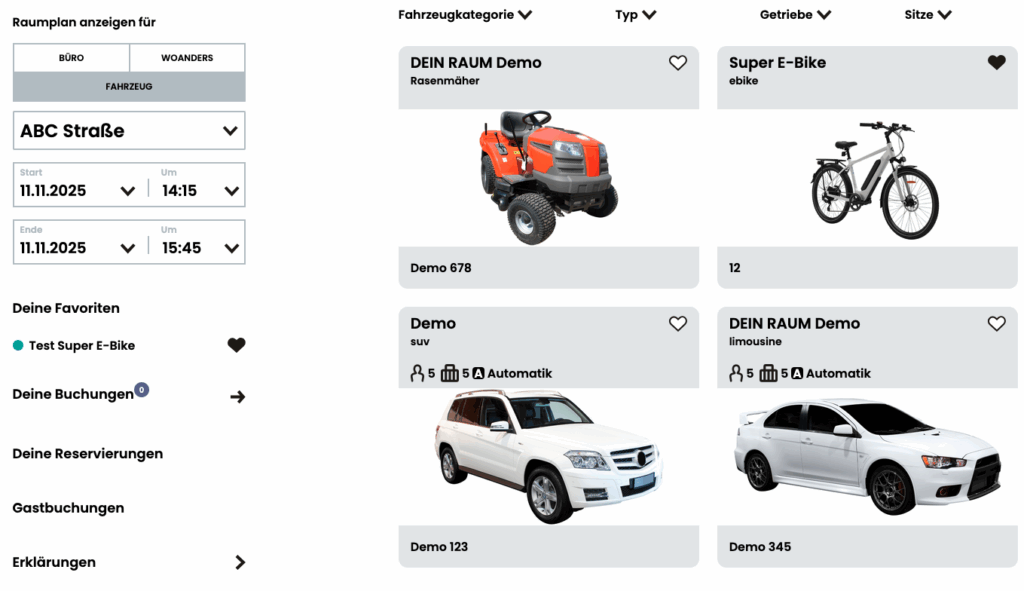
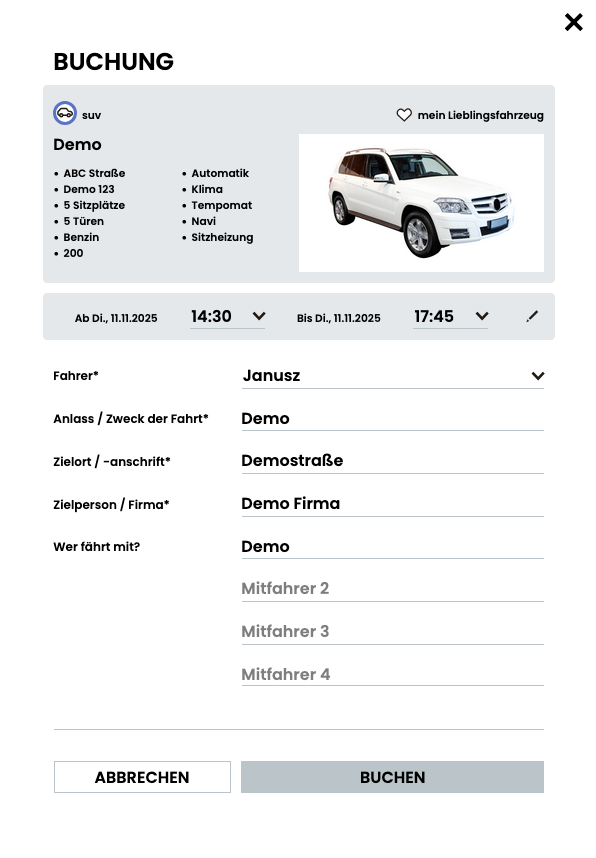
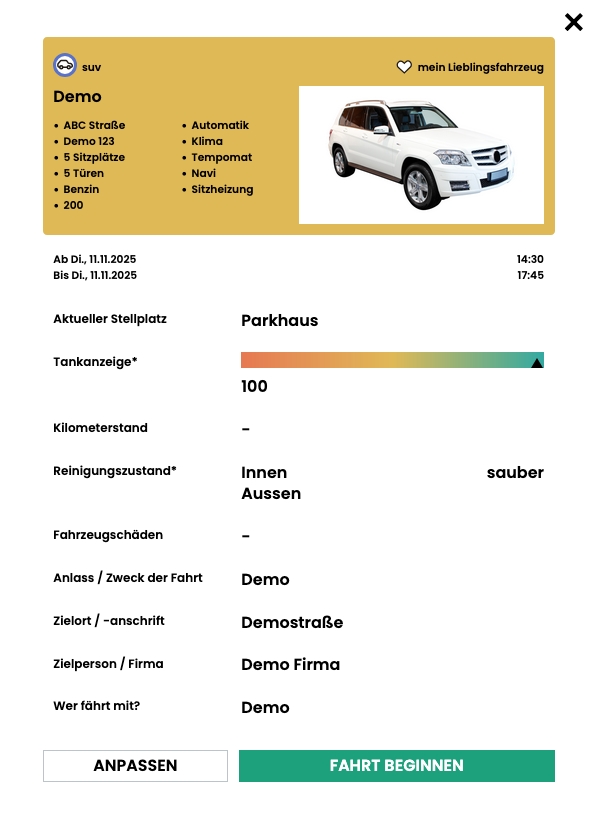
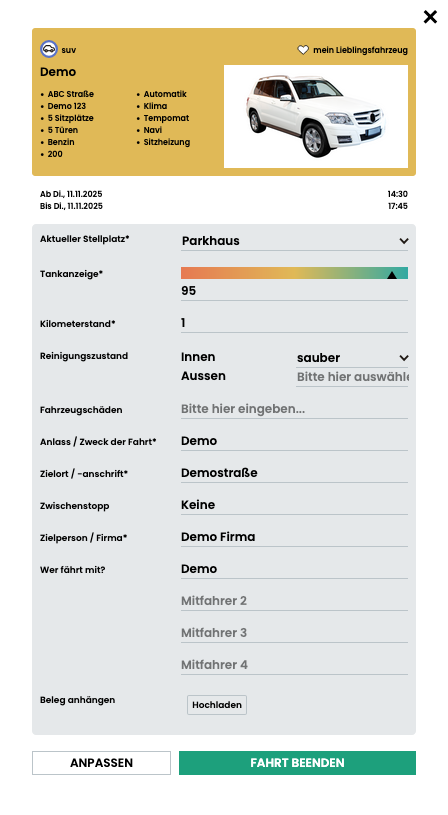
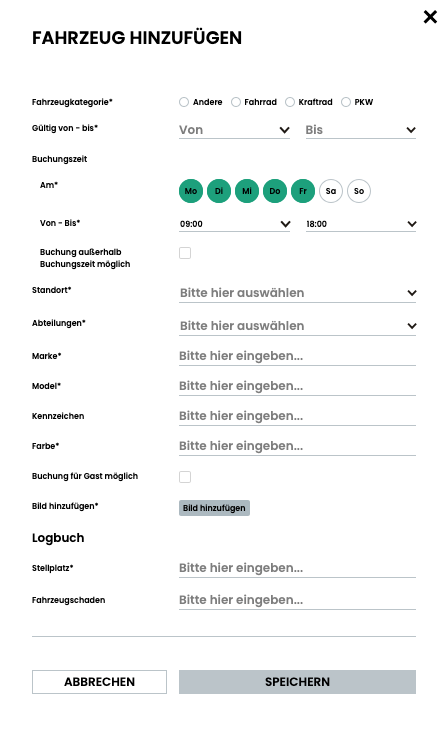
With vehicle booking in DEIN RAUM, you can manage your fleet efficiently and transparently. Use the intuitive interface to select the vehicle category, location and time period and book your desired vehicle with just a few clicks. Before you start your journey, you carry out the digital check-in – including details of the fuel level, mileage and vehicle condition. After returning the vehicle, you check it out so that all journeys are properly documented and vehicles are optimally utilized. This gives fleet managers and employees an overview of vehicle availability, usage and condition at all times.
Guest booking
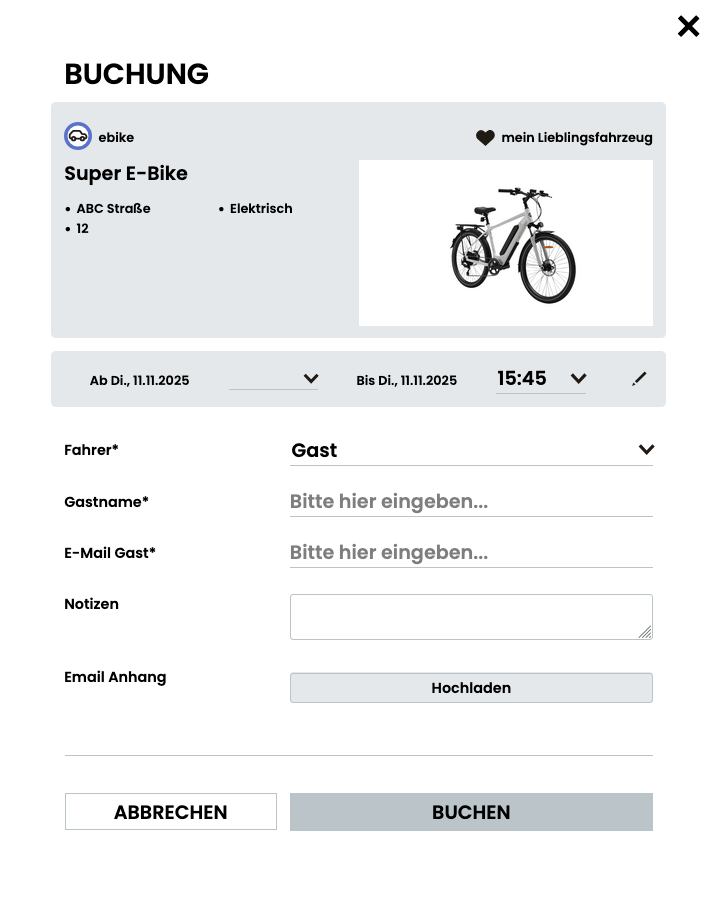
Guest bookings also allow external persons – such as customers, service providers or visitors – to use vehicles easily. You simply enter the name, e-mail address and time period and DEIN RAUM automatically creates a temporary booking for the guest. This maintains an overview of all journeys without the need to permanently create external users in the system. This function ensures maximum flexibility in fleet management and considerably simplifies the organizational effort.
Driving license test
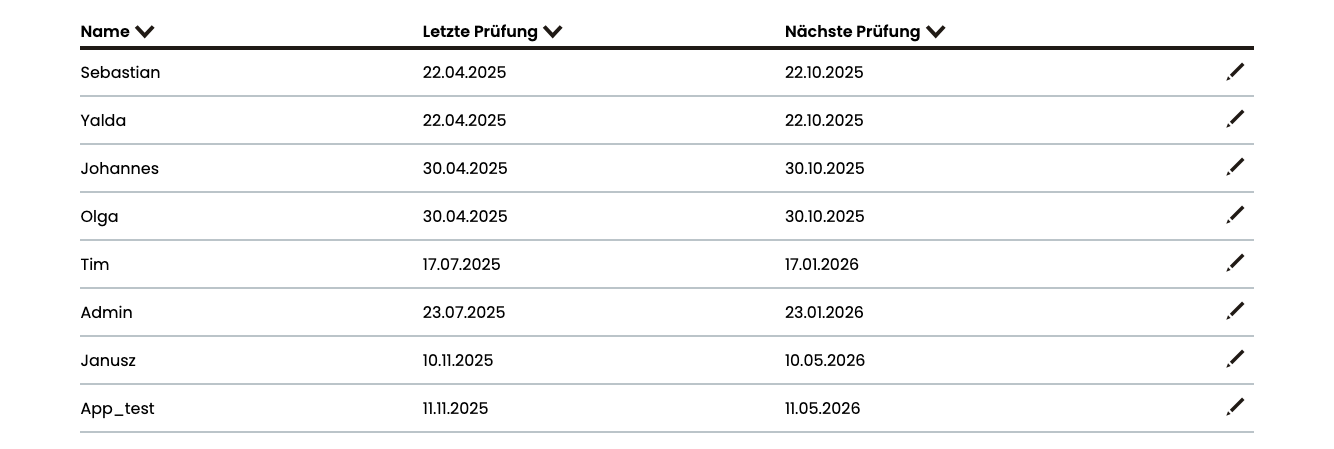
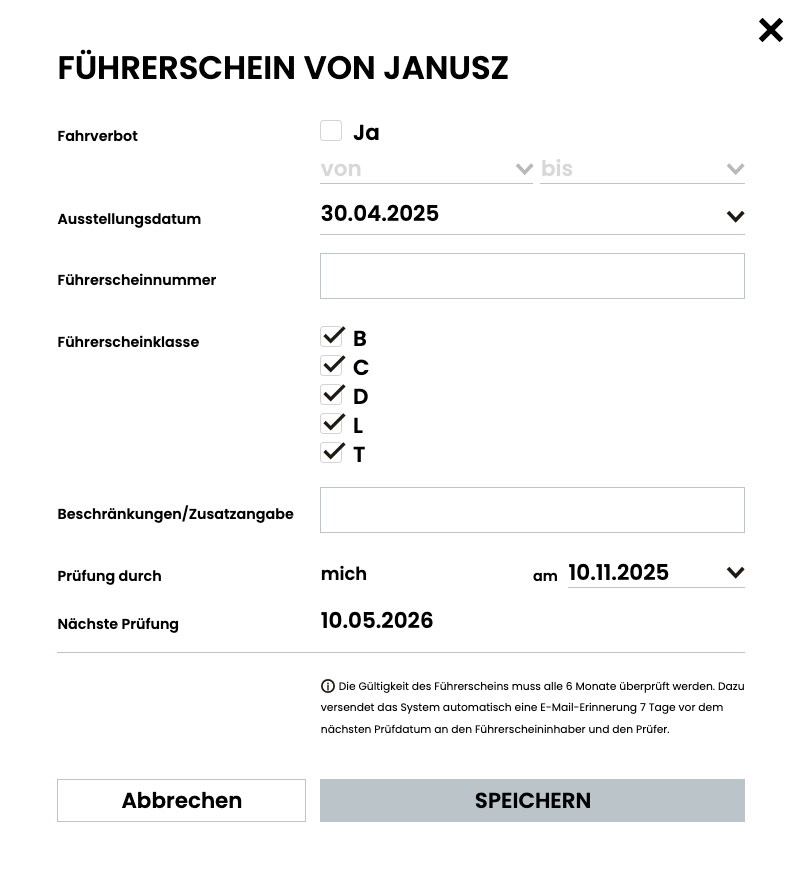
The driving license check in DEIN RAUM supports fleet managers with the legally required check of driving authorizations. All driving license data is managed centrally, including classes, restrictions and test intervals. The system automatically sends an e-mail reminder when a check is due and documents every check in an audit-proof manner. This maintains an overview of all drivers and reliably ensures compliance with owner obligations.
Special trips
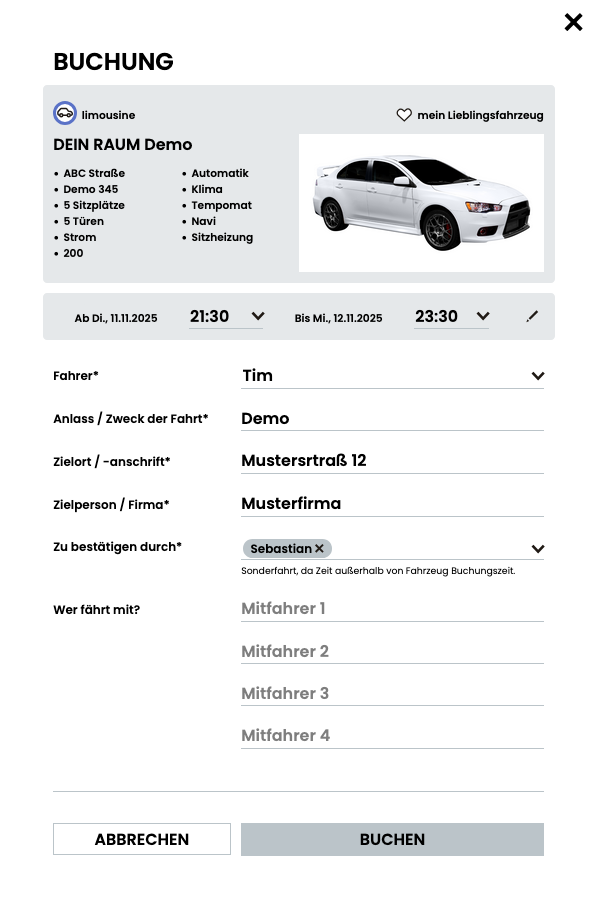
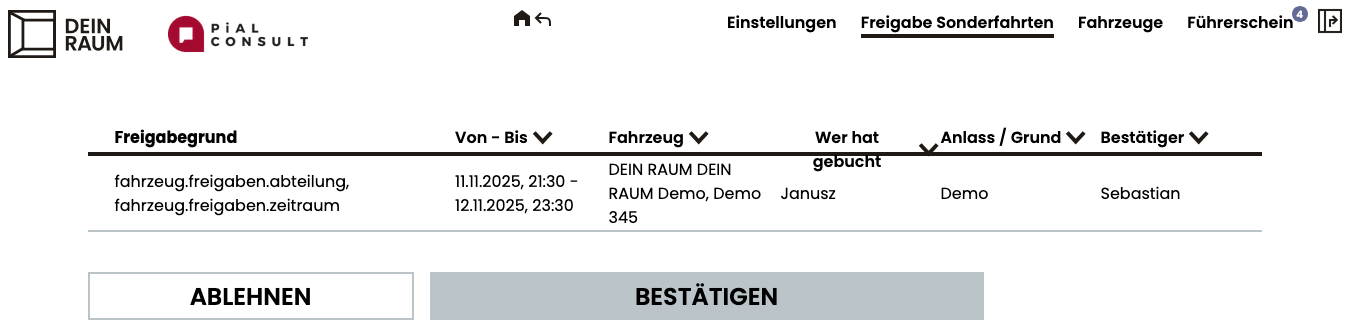
The approval of special trips makes it possible to individually check and approve bookings outside the regular usage times or specified vehicle availability. Employees can request a trip, which is then confirmed or rejected by authorized persons – such as supervisors or fleet managers. This function creates transparency and control, while at the same time maintaining flexible usage options in the fleet.
Driver’s logbook
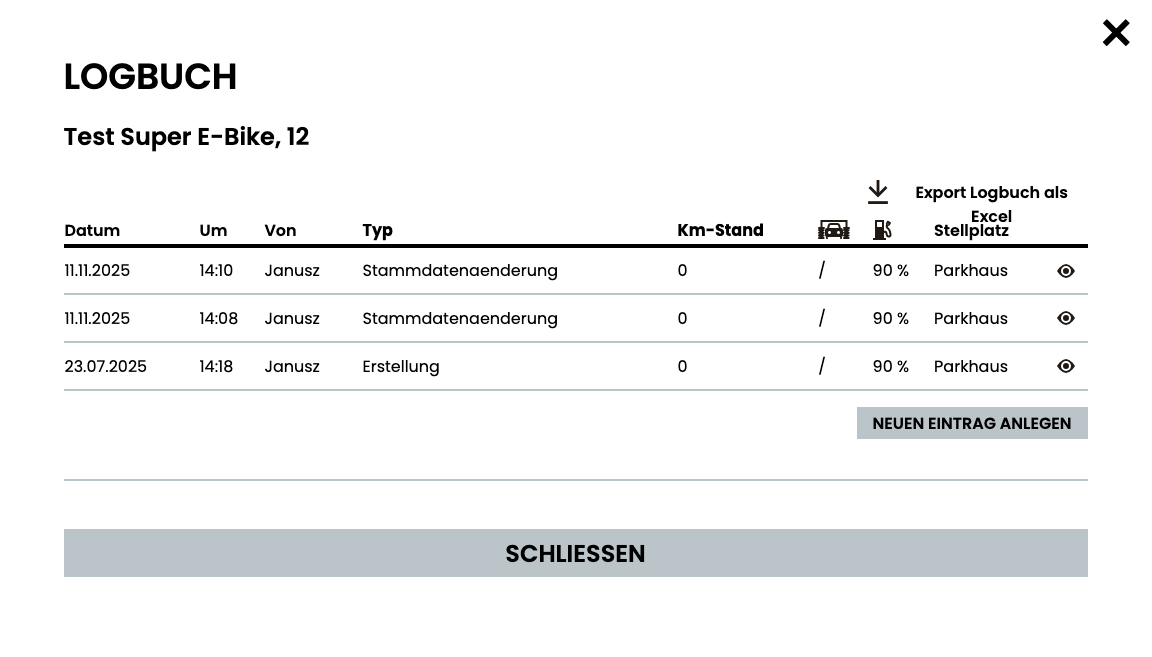
The digital logbook in DEIN RAUM documents every vehicle use seamlessly and audit-proof. Mileage, fuel level, parking space, cleaning status or damage can be entered directly after each trip. Changes are automatically saved with the date, time and user and can be traced at any time. The logbook can be conveniently exported as an Excel file for evaluations or proof – transparent and always up-to-date.
Service
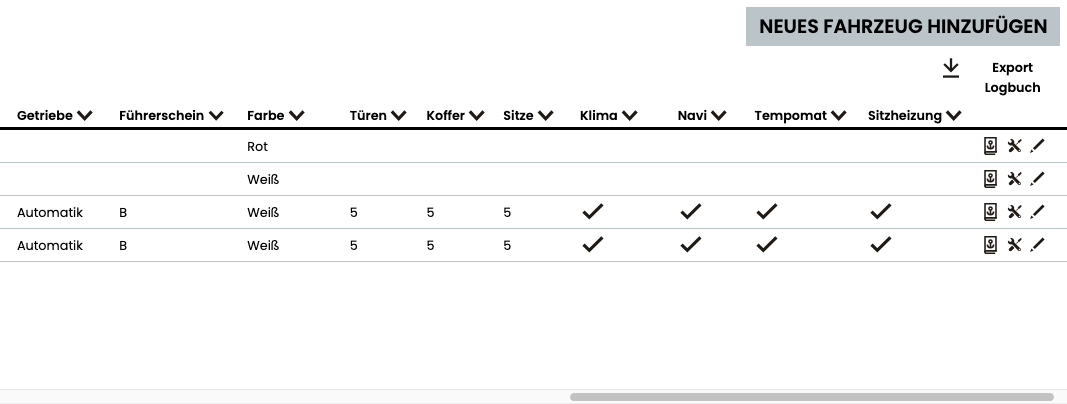
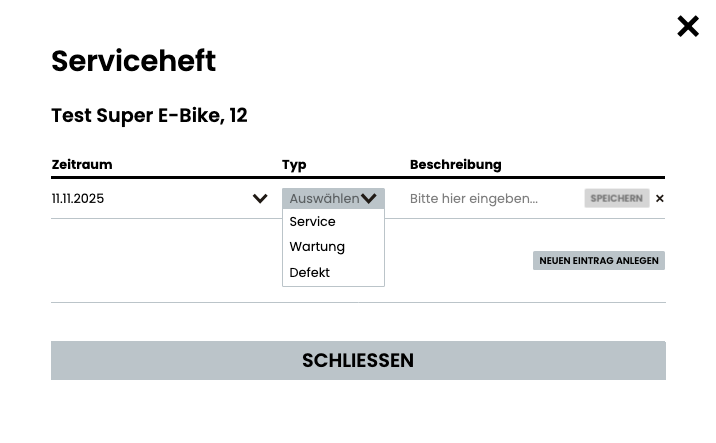
The digital service booklet in DEIN RAUM bundles all information on maintenance, services and defects in one central location. Entries with date, type and description can be created for each vehicle. Vehicles can be automatically blocked for upcoming or ongoing maintenance to prevent bookings during this time. In this way, the entire maintenance process remains transparently documented, downtimes are minimized and the vehicle history can be traced at any time.
Resources
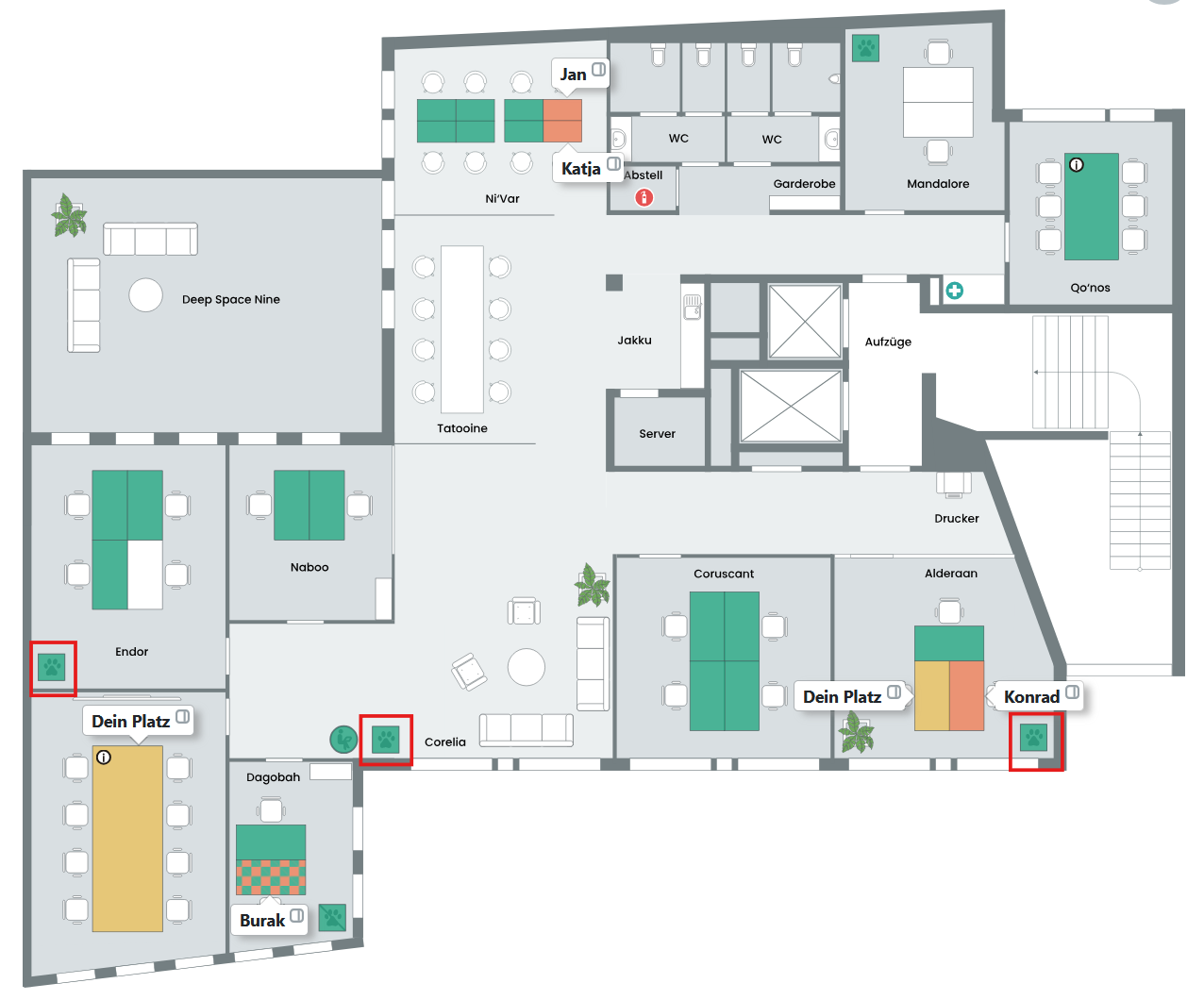
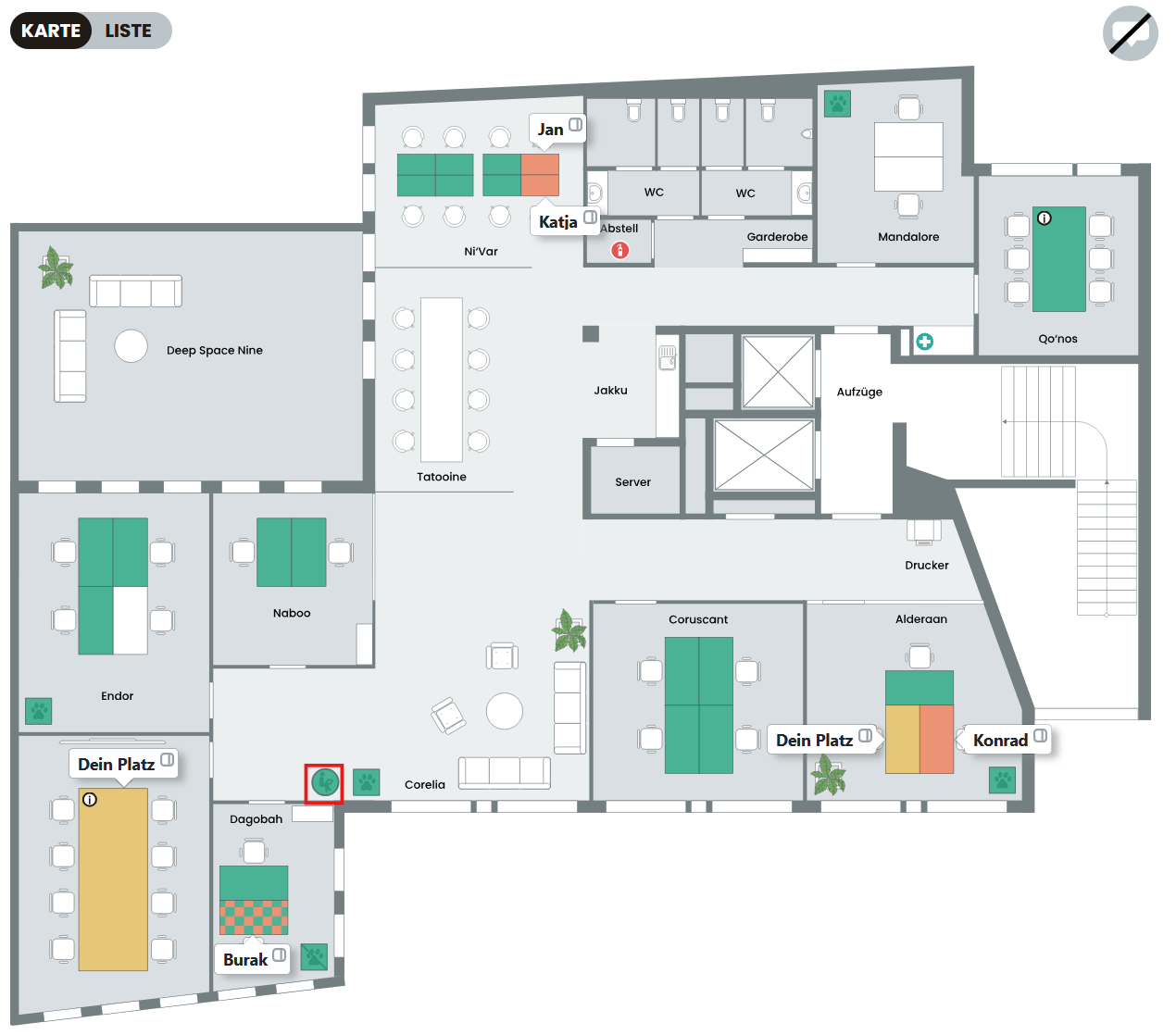
Dog basket
The dog basket can be booked to indicate that you are taking your fluffy friend to the office.
Elsewhere-Elemete
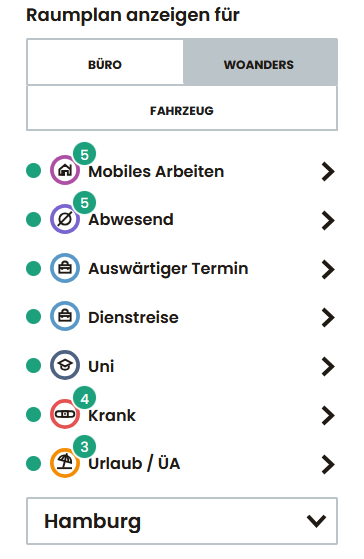
In addition to physical workstations, alternative absence types such as “Home office”, “Away”, “Mobile working” or “External appointment” can also be booked. These are displayed in the calendar and in overviews like a normal office workstation – ideal for hybrid planning.
Standing room
This element can be booked to show colleagues that you are in the office but have not booked a workstation.
Accessories
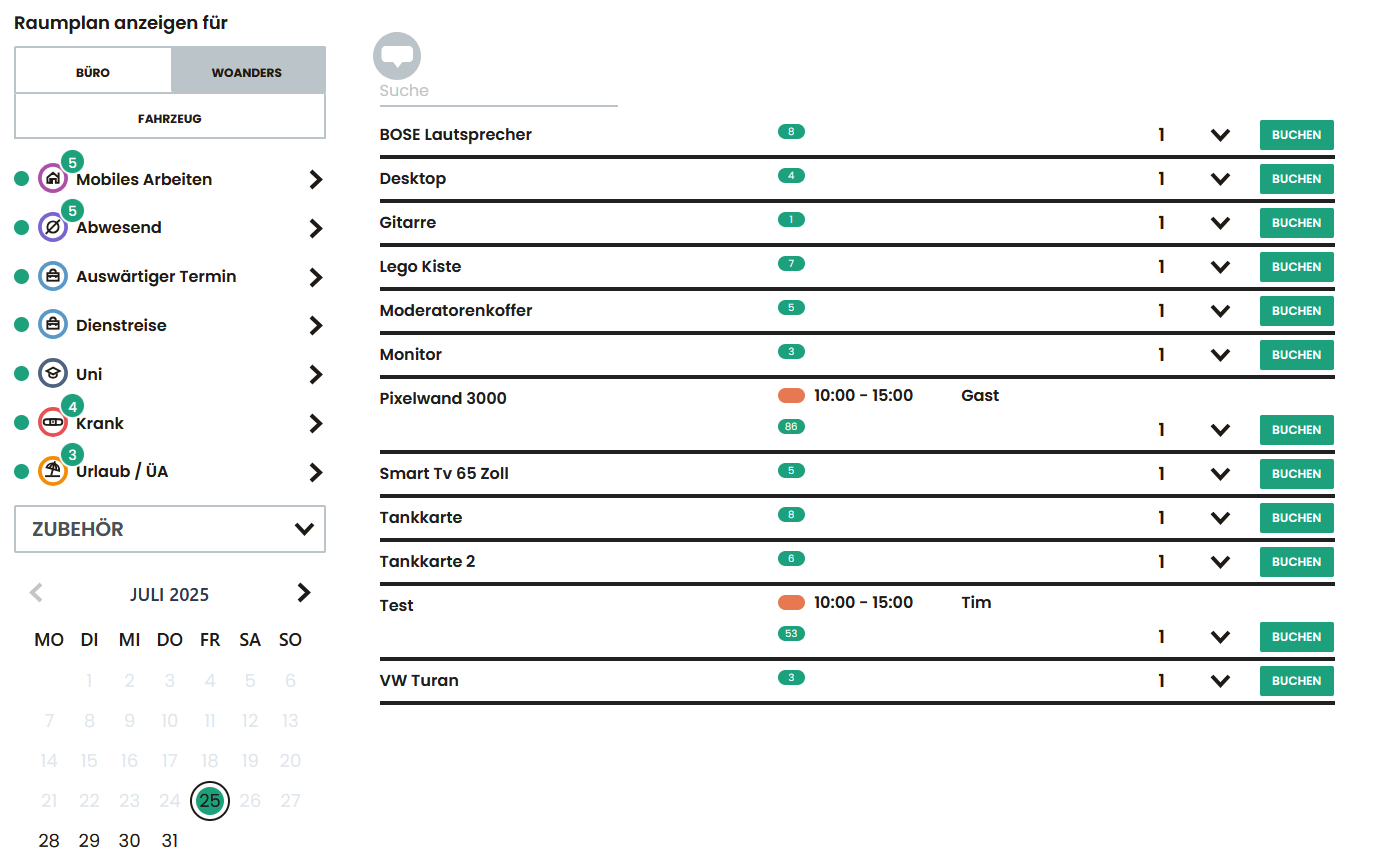
Accessories booking
Additional equipment such as monitors, docking stations or power banks can be booked for a specific period of time – for the whole day or by the hour. The desired quantity can be specified directly in the booking window.
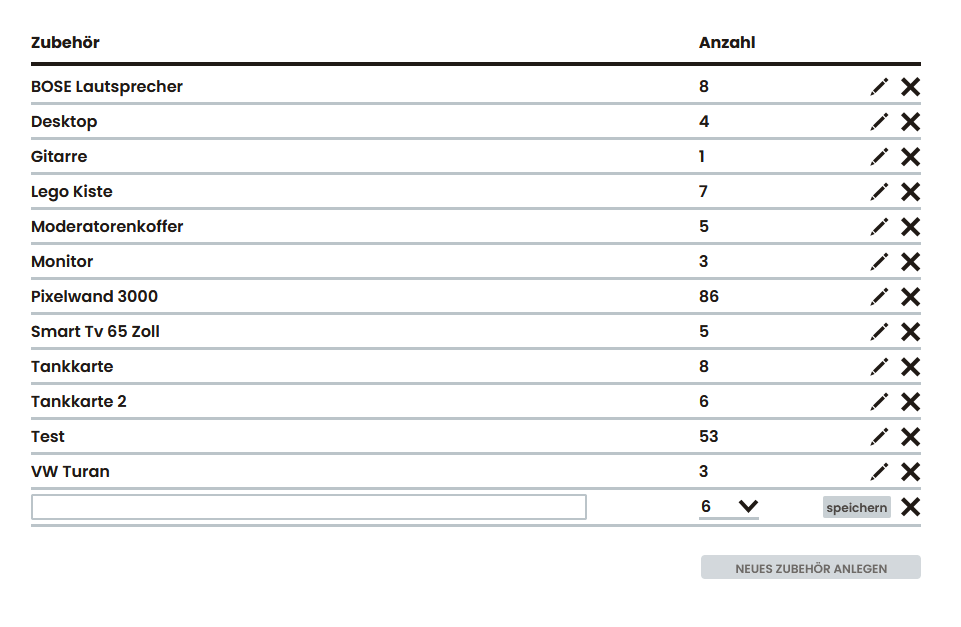
Create accessories
Accessories can be managed centrally in the administration area. New elements can be easily created and provided with the available quantity.
Roles & authorizations
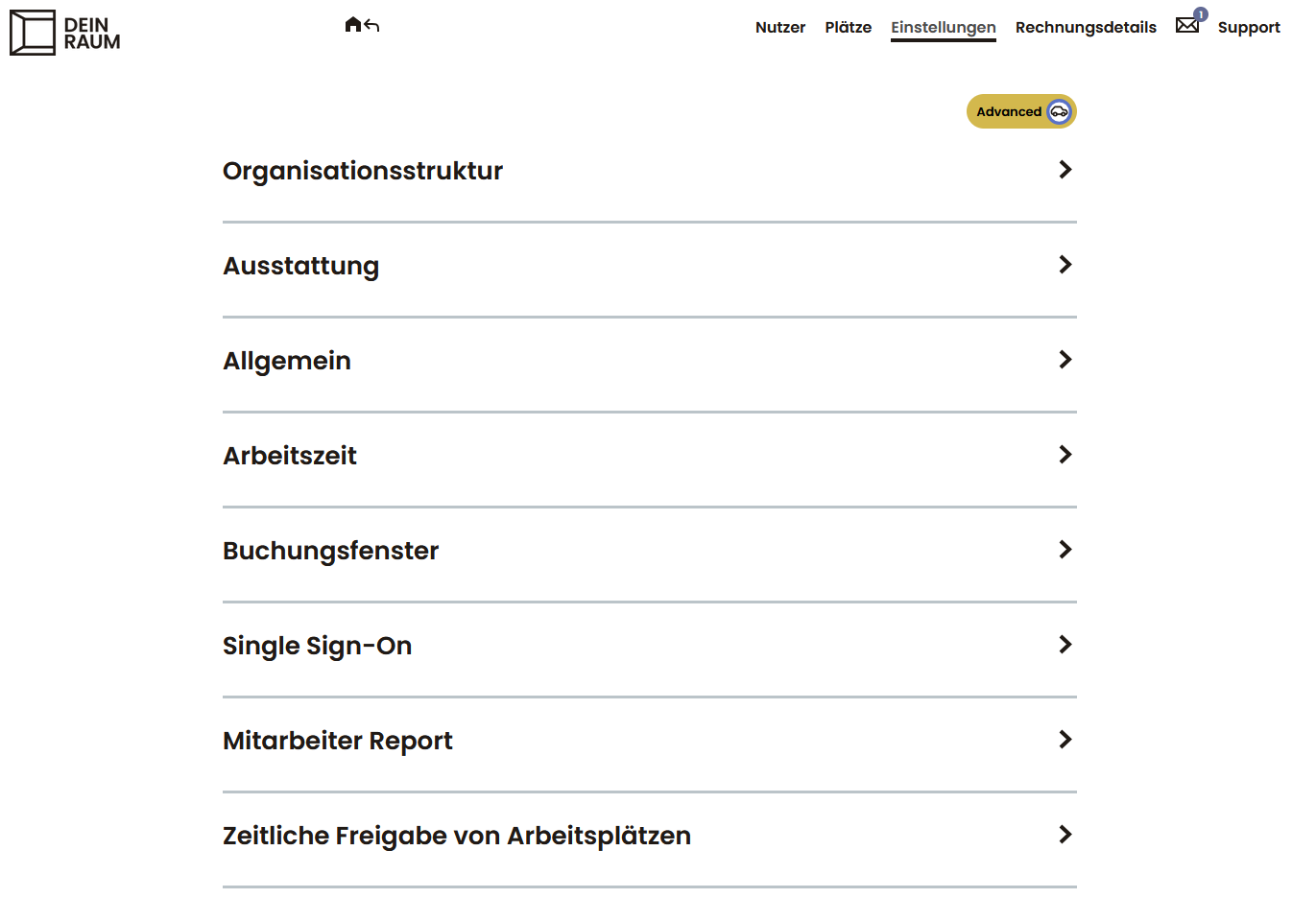
Administrator
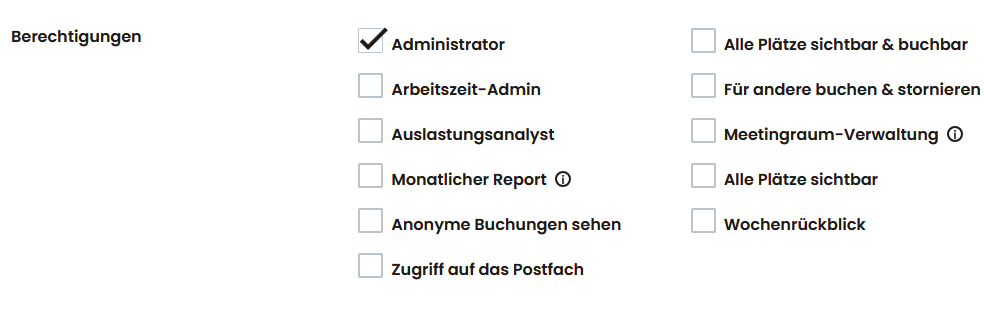
Administrators have access to the “Admin” menu item and can make system-wide settings. This includes managing users, spaces, booking rules, equipment, booking windows, viewing invoice details and configuring the organizational structure.
Fleet management
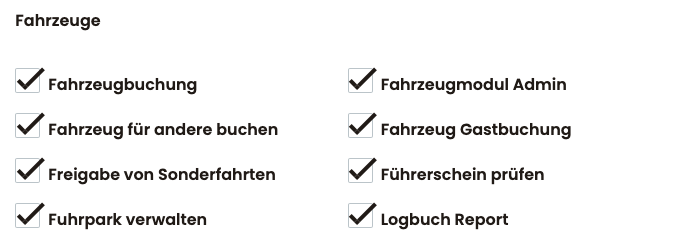
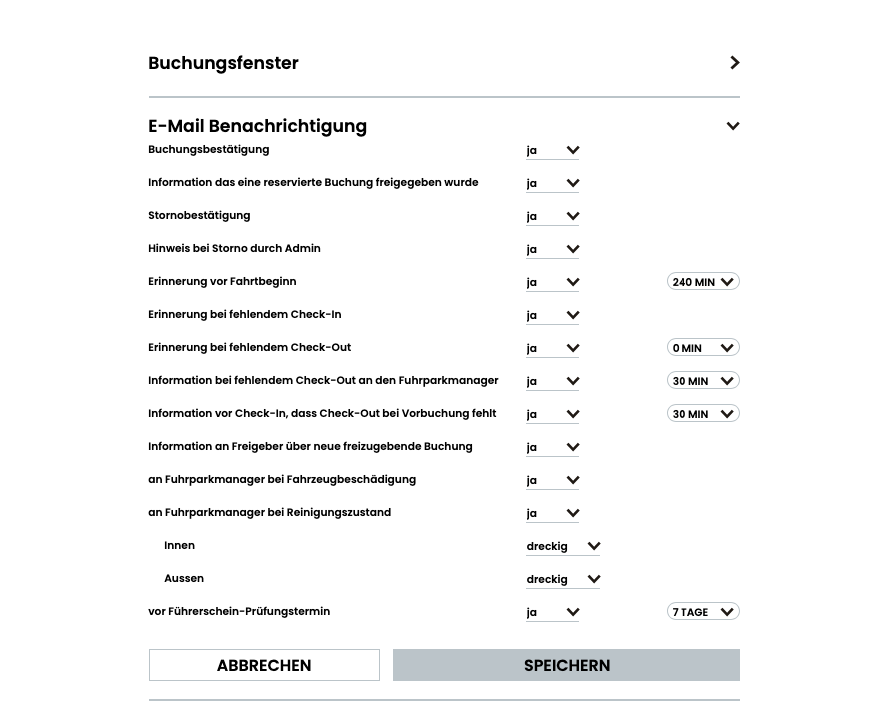
With the fleet management in DEIN RAUM, all vehicles can be created, managed and controlled centrally. Authorizations are used to control who can book vehicles, reserve them for others, approve special trips or check driving licenses. This gives fleet managers full control over access rights and vehicle data, while the entire administration process remains efficient and transparent.
Utilization analyst
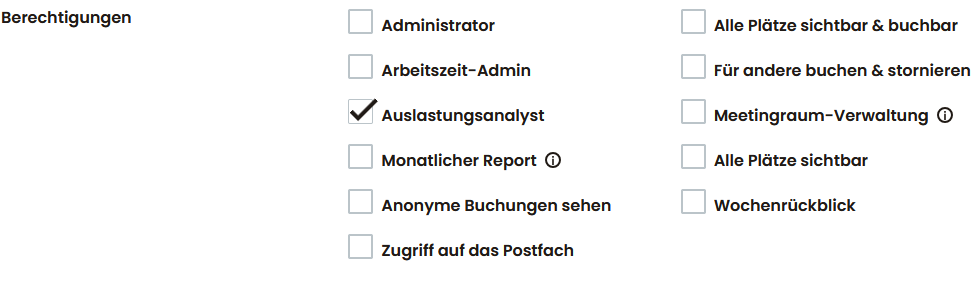
Users with this authorization have access to the “Evaluation” area. There they can evaluate the use of rooms, spaces or floors graphically and as a percentage, define time periods and export results as Excel files.
Receptionist
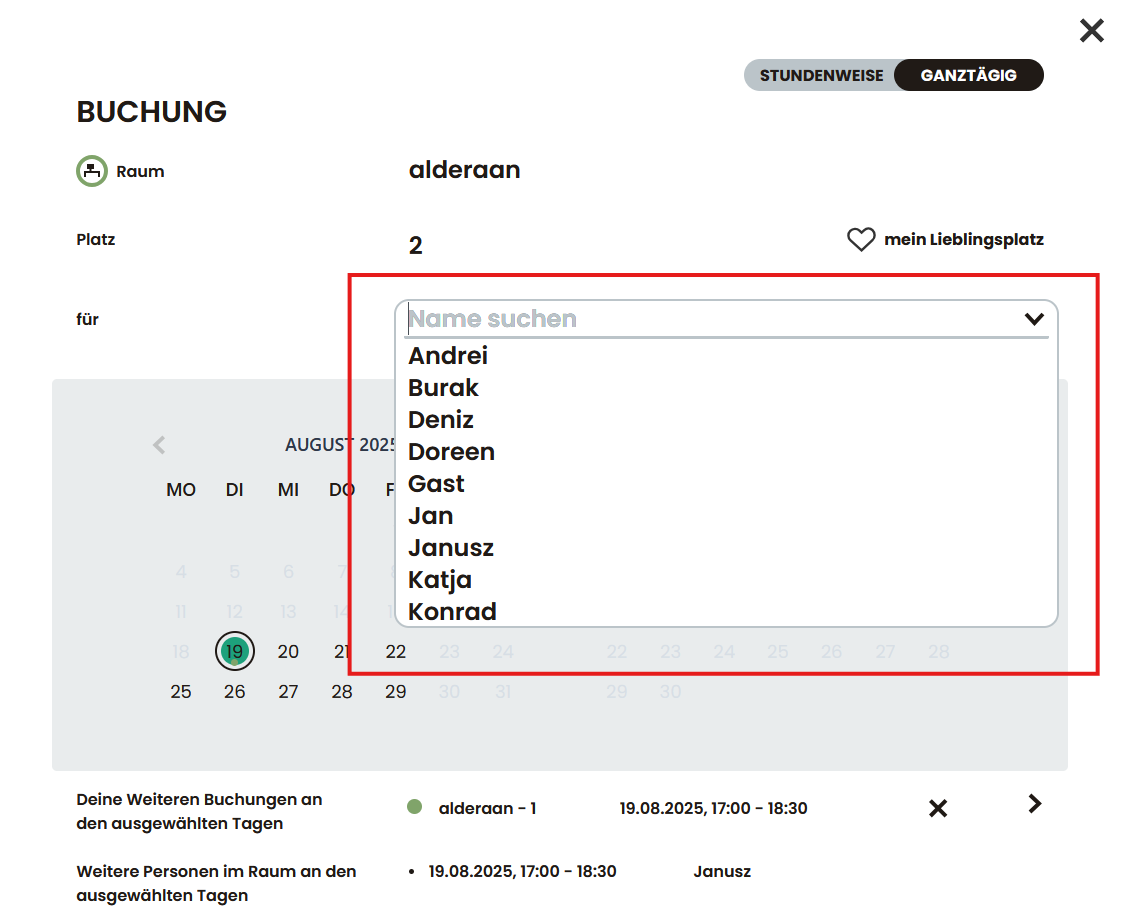
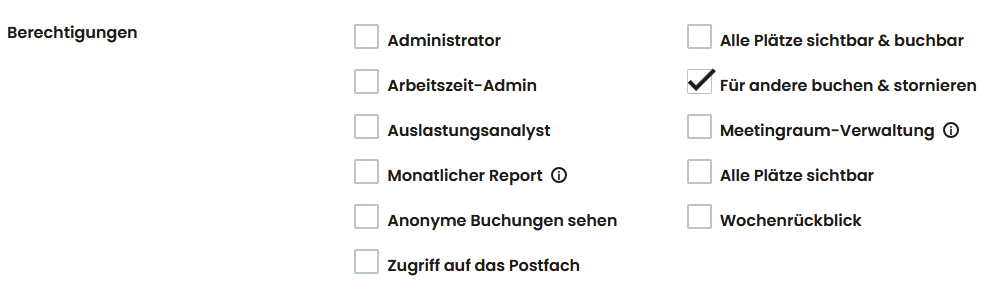
People with this authorization can book and release resources on behalf of other users – e.g. for reception staff, assistants or team leaders.
Booking release
Manual approval by authorized persons can be stored for selected meeting rooms. Requests are sent by e-mail and system notification and can be confirmed or rejected directly.
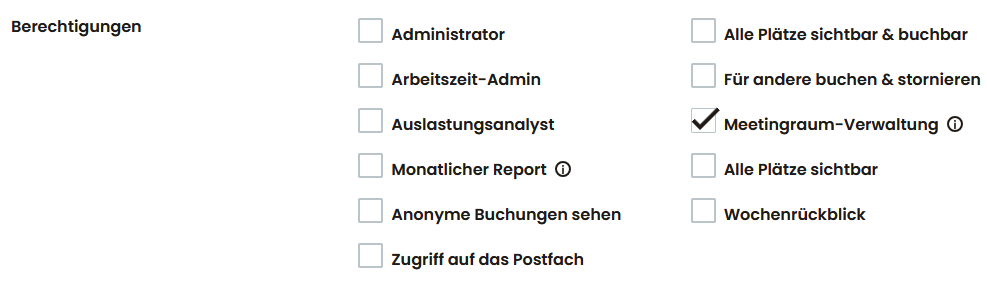
Meeting room management
Users with the “Release reservations” authorization can confirm or reject incoming room requests – relevant for rooms with activated booking release. They receive a notification in the system and by email.
MAKE AN APPOINTMENT
The calendar is not displayed? No problem, just ⭢ click here.
OR CALL US AT